Queues during the rush
One guest is still choosing; the next is already waiting.
When it's busy, your team takes orders and asks about variations. There is little time left for advice and recommendations.
 Example · generated image
One guest is still choosing; the next is already waiting.
Some turn away when the queue isn't moving.
When you're busy taking orders, recommendations stop.
Questions, orders, handover: all at once.
When order taking depends on just a few people, it becomes a bottleneck during the rush. Every extra guest makes the queue longer.
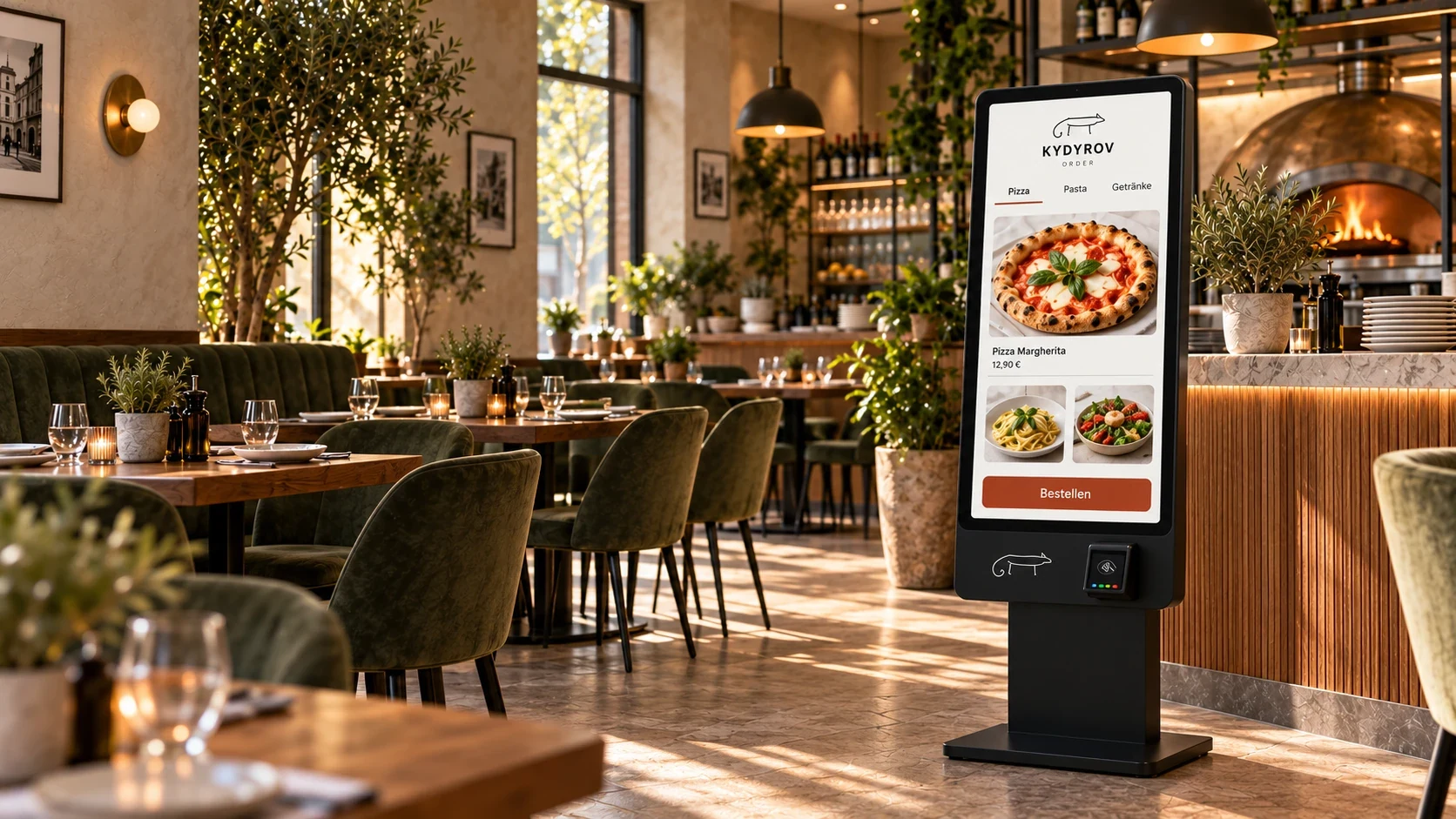
At the Kydyrov self-order kiosk, guests view the menu and put together their own order.
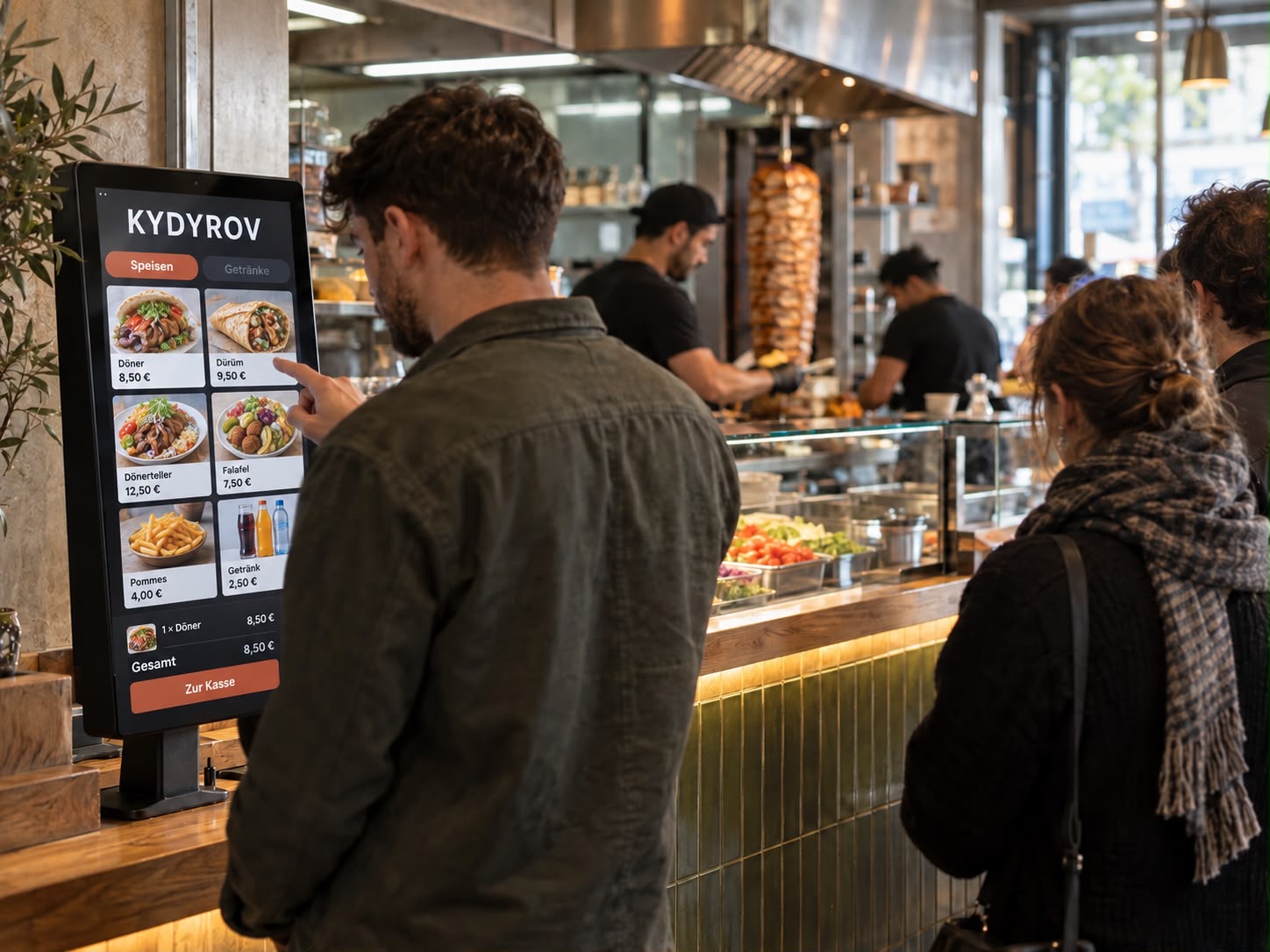 Example · generated image
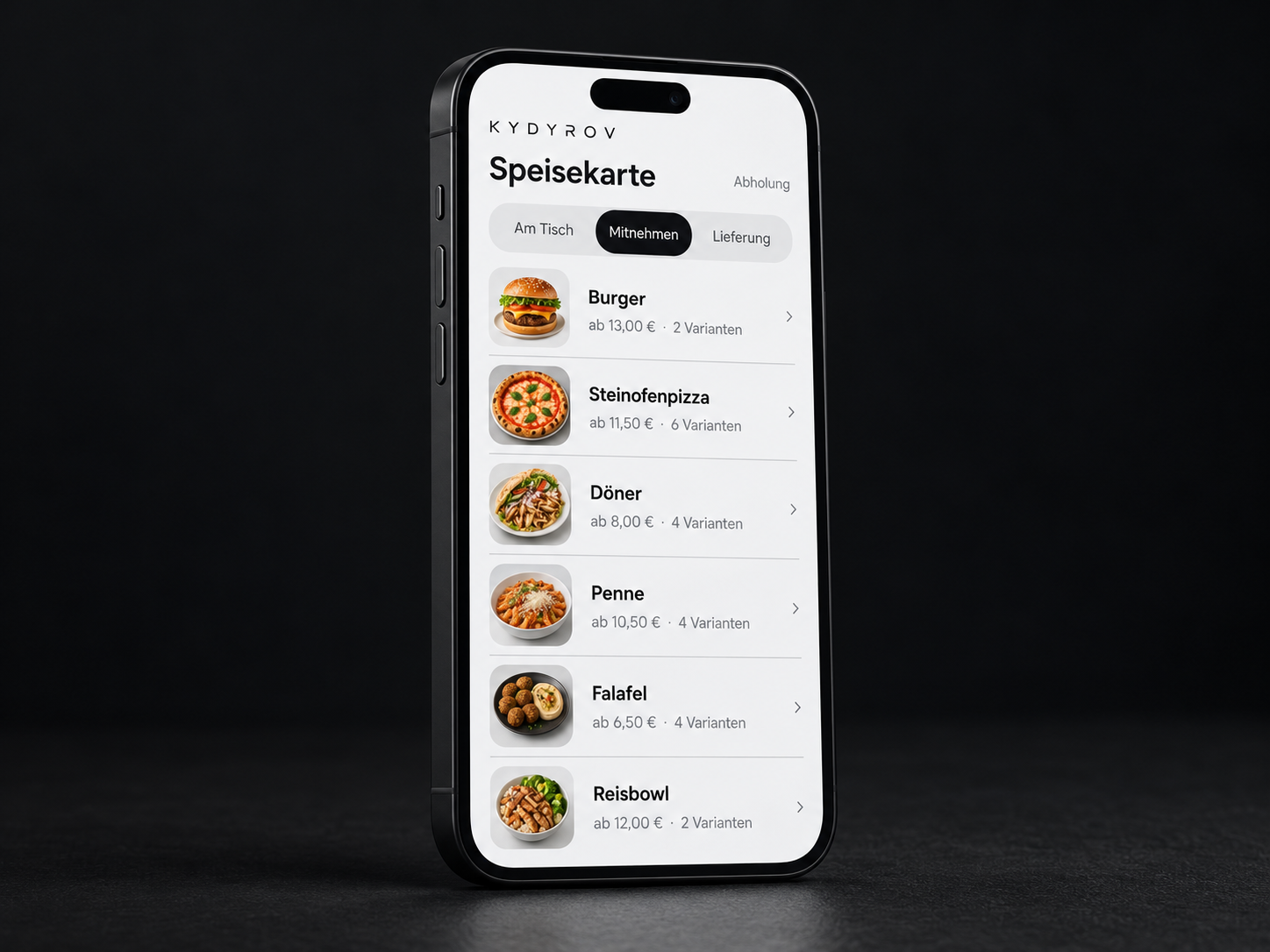
Guests choose the dish, variation and ingredients.
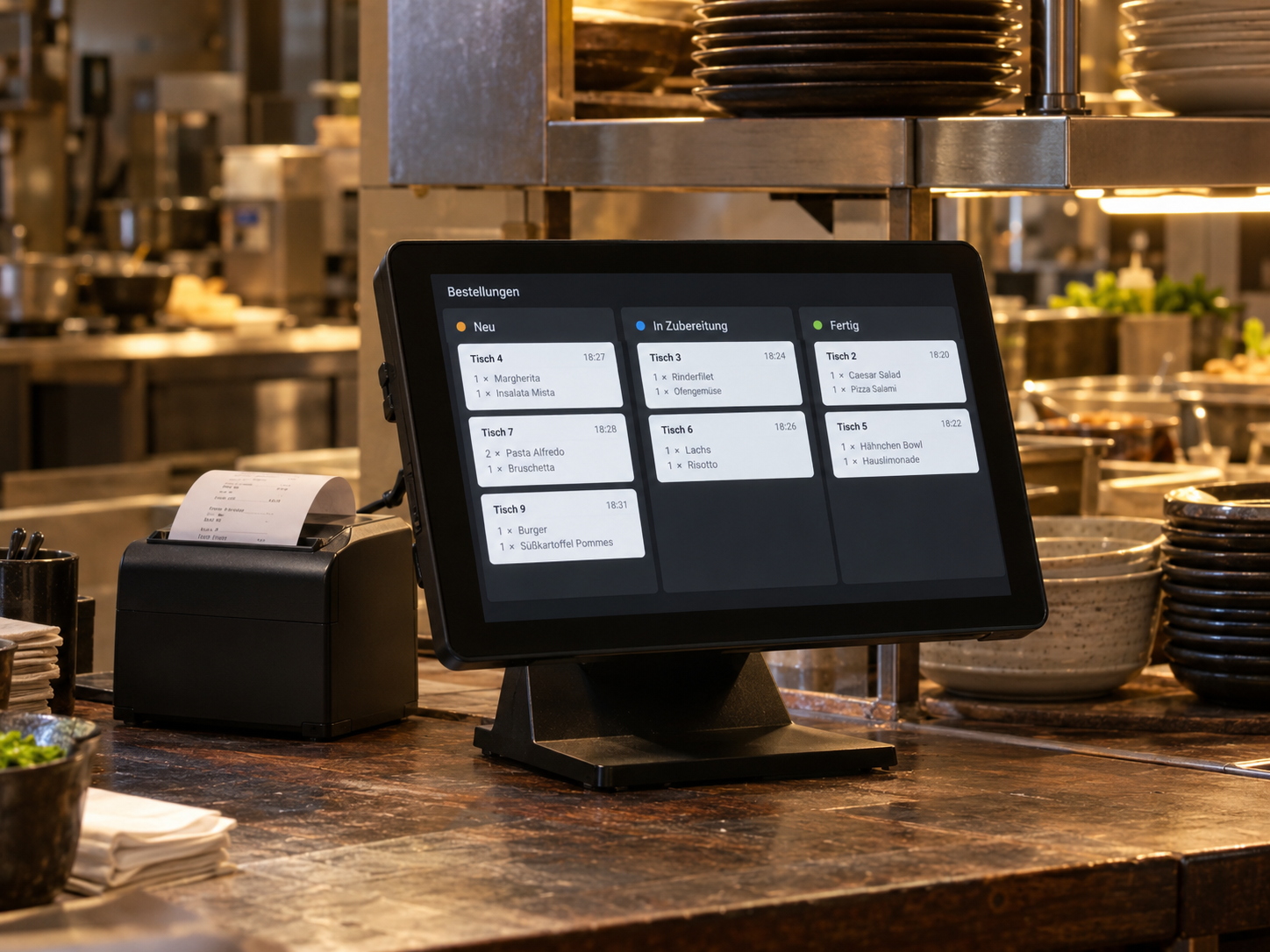
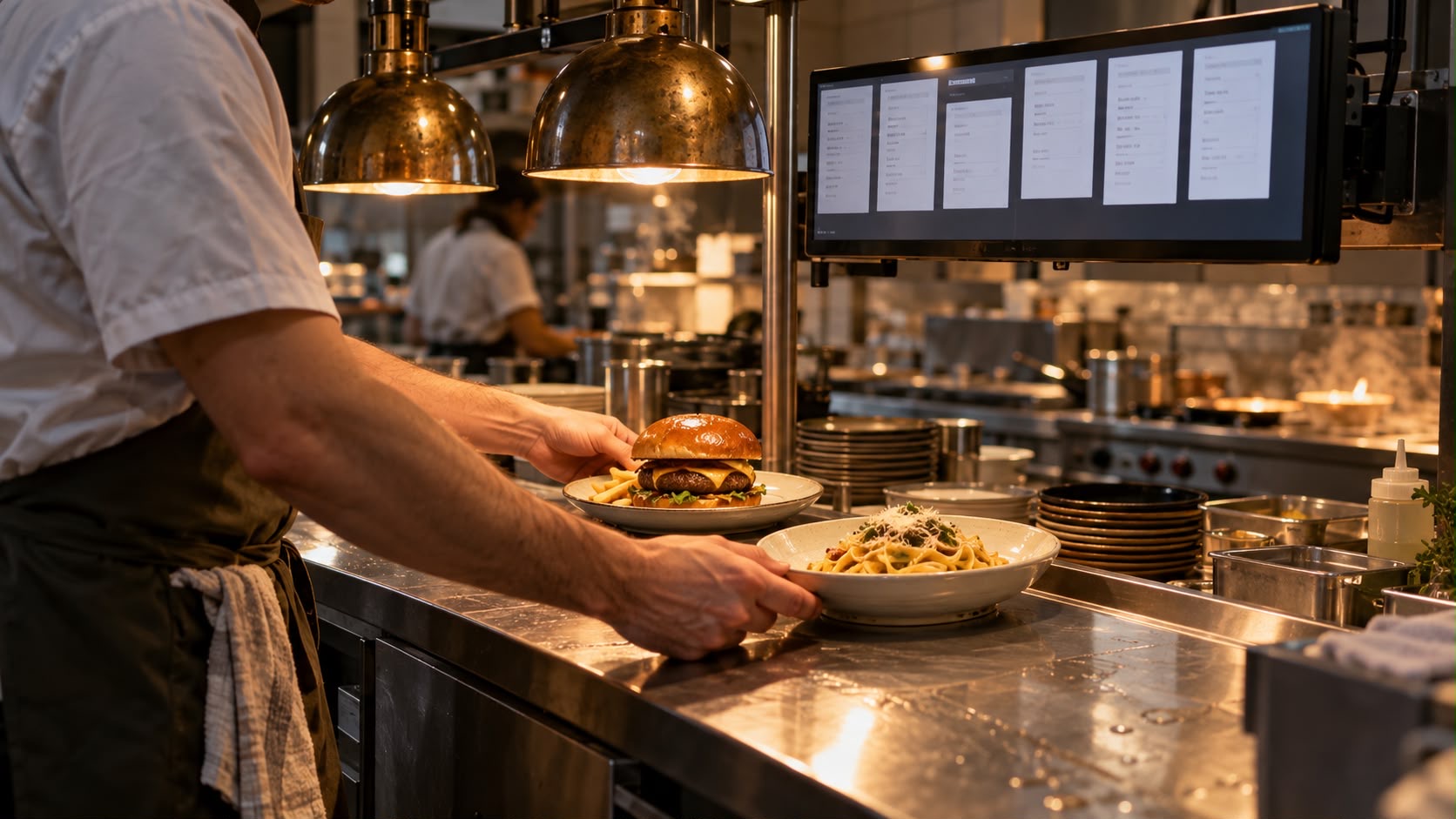
The order goes to the ordering system and kitchen display.
Order taking is shared across more than one point.
Your team has time for the kitchen, handover and guests.
We review guest routes, peak times, space and existing equipment.
The menu, variations, payment flow and connection to order acceptance are agreed.
We test with your team, from the first tap to a clearly identified order handover.
Placement, choices, payment and handover at your collection point.
We assess this based on the till, its software and available interfaces. The kiosk is an additional ordering channel; order acceptance and till processing must support it. Only after this review do we decide which devices and connections suit your business.
The payment process is agreed in advance. This covers the preferred payment methods, any separate payment device and how abandoned transactions are handled. An order must not be considered paid simply because it was completed on screen. The preview does not include real kiosk payments.
We look at peak times, typical ordering time, space, and kitchen and handover capacity. More ordering points only help if the orders can then be processed. We therefore also plan the queue and walkways before deciding on a device count.
The order number, collection point and ready notification need to work together. We agree on whether your team calls orders out or an additional display is needed. This handover process is planned alongside the kiosk; the screen alone does not automatically solve it.
An in-person ordering option should remain available. For placement, we consider reach, readability and sufficient space; for the interface, clear choices and understandable feedback. Specific hardware and usability requirements are assessed for your location.
Tell us about your situation. We'll work through your questions with you.