Tickets and slips pile up
When it gets busy, the overview is lost.
Paper slips, shouted instructions, follow-up questions: every interruption holds up the kitchen and service.
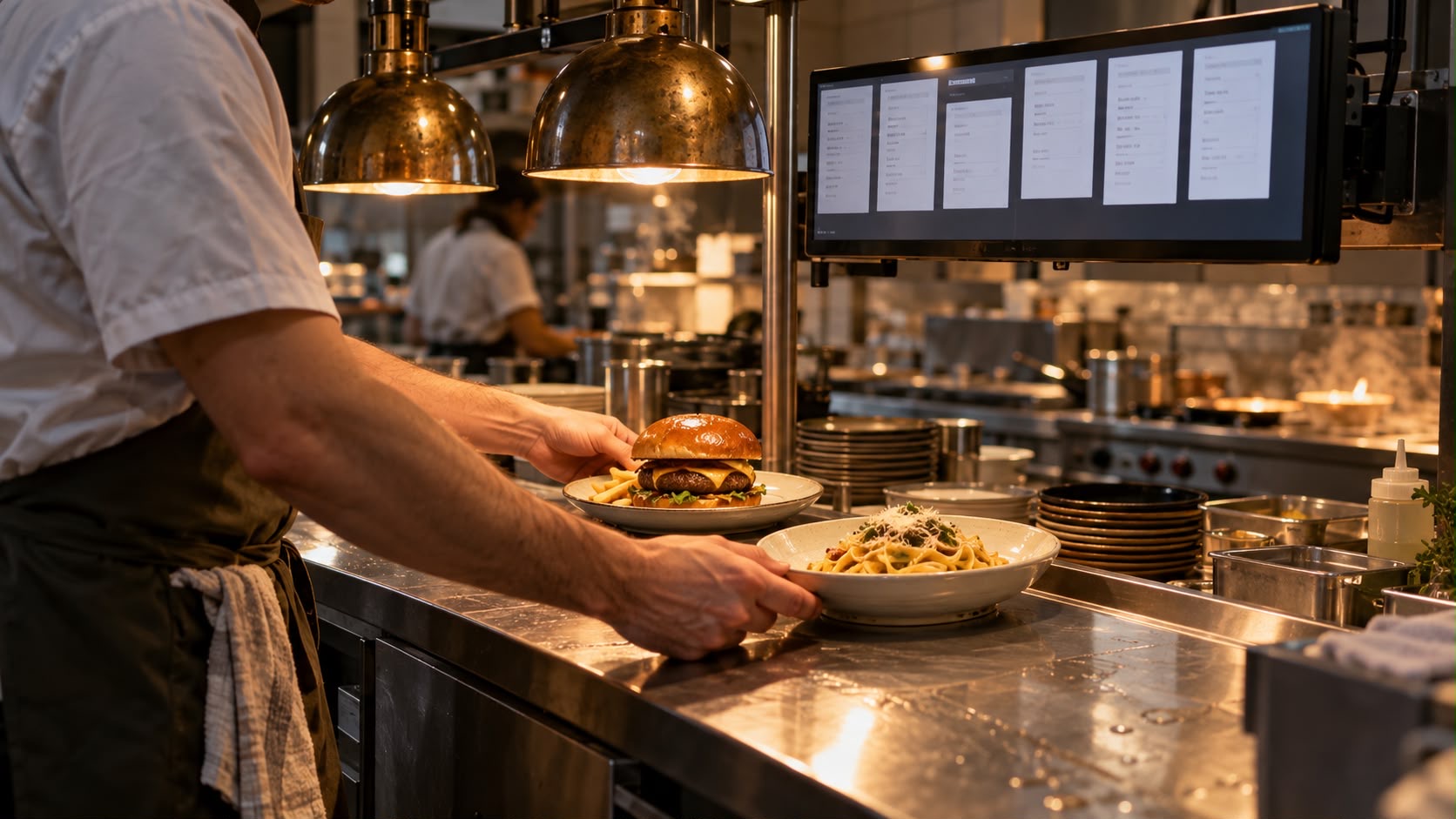 Example · generated image
When it gets busy, the overview is lost.
What the guest said doesn't always arrive in full.
And the kitchen stops to answer.
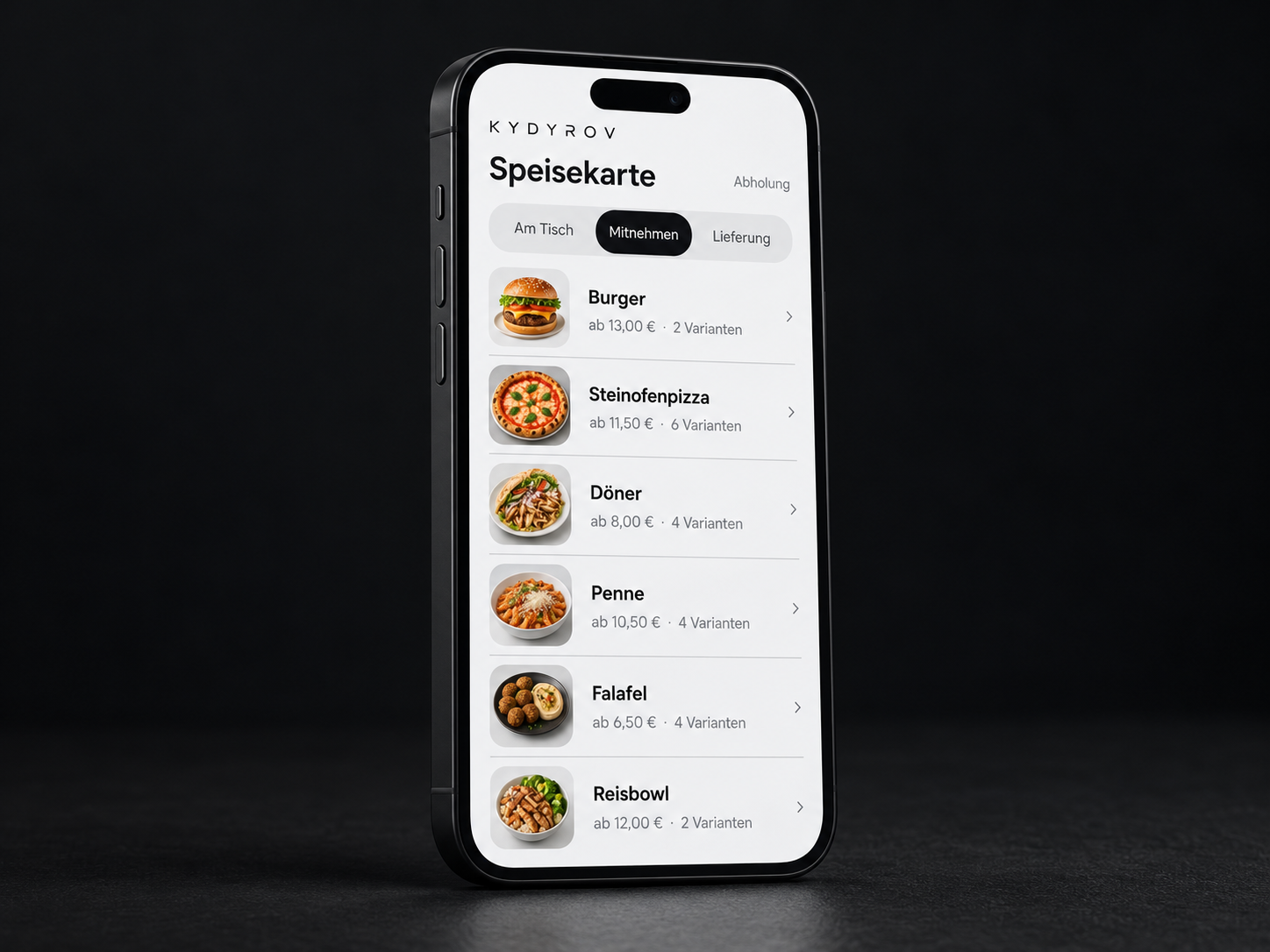
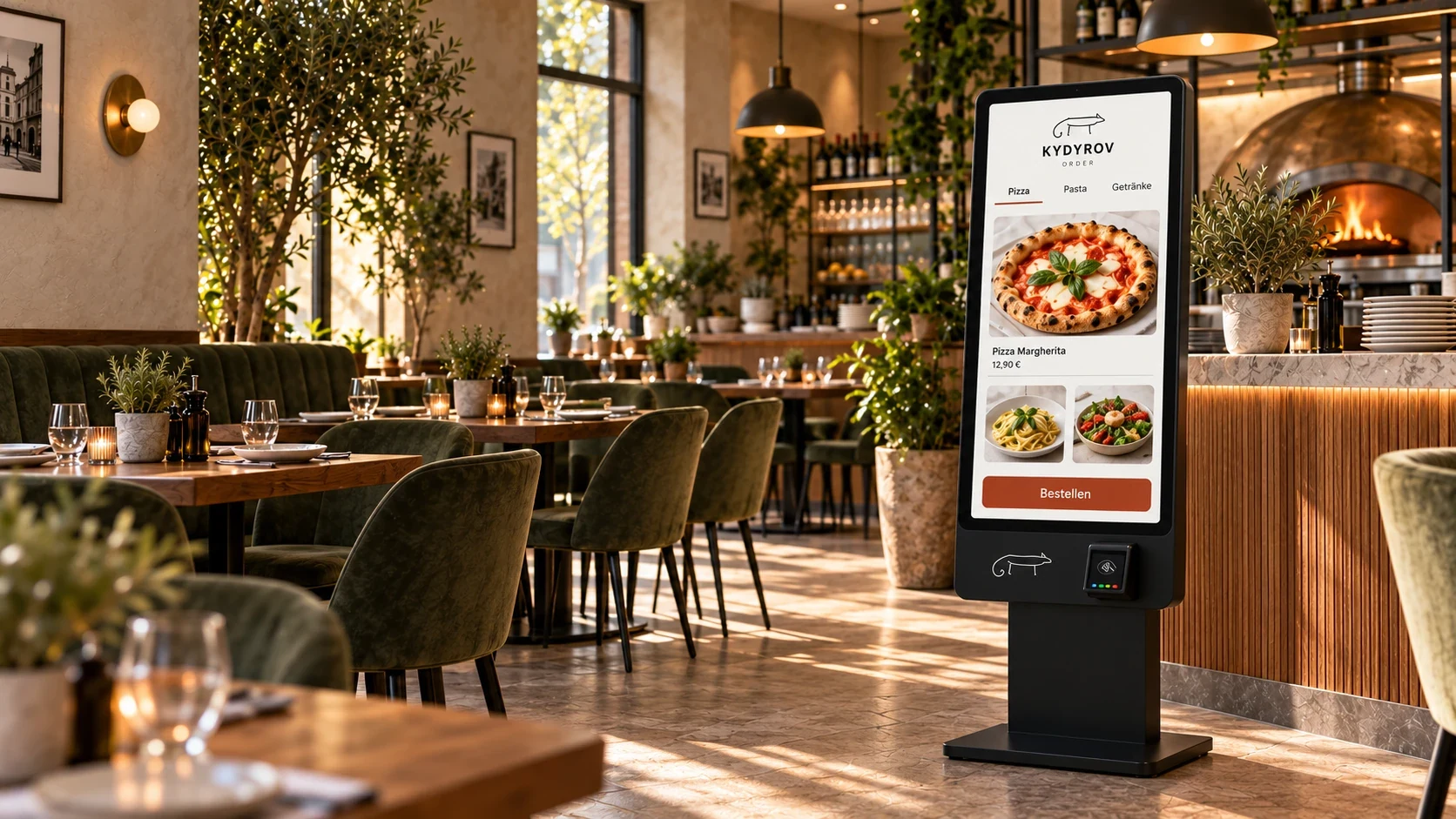
During the rush, several ordering channels feed into the same kitchen.
Every follow-up question holds up two teams: the kitchen at the pass and service at the table.
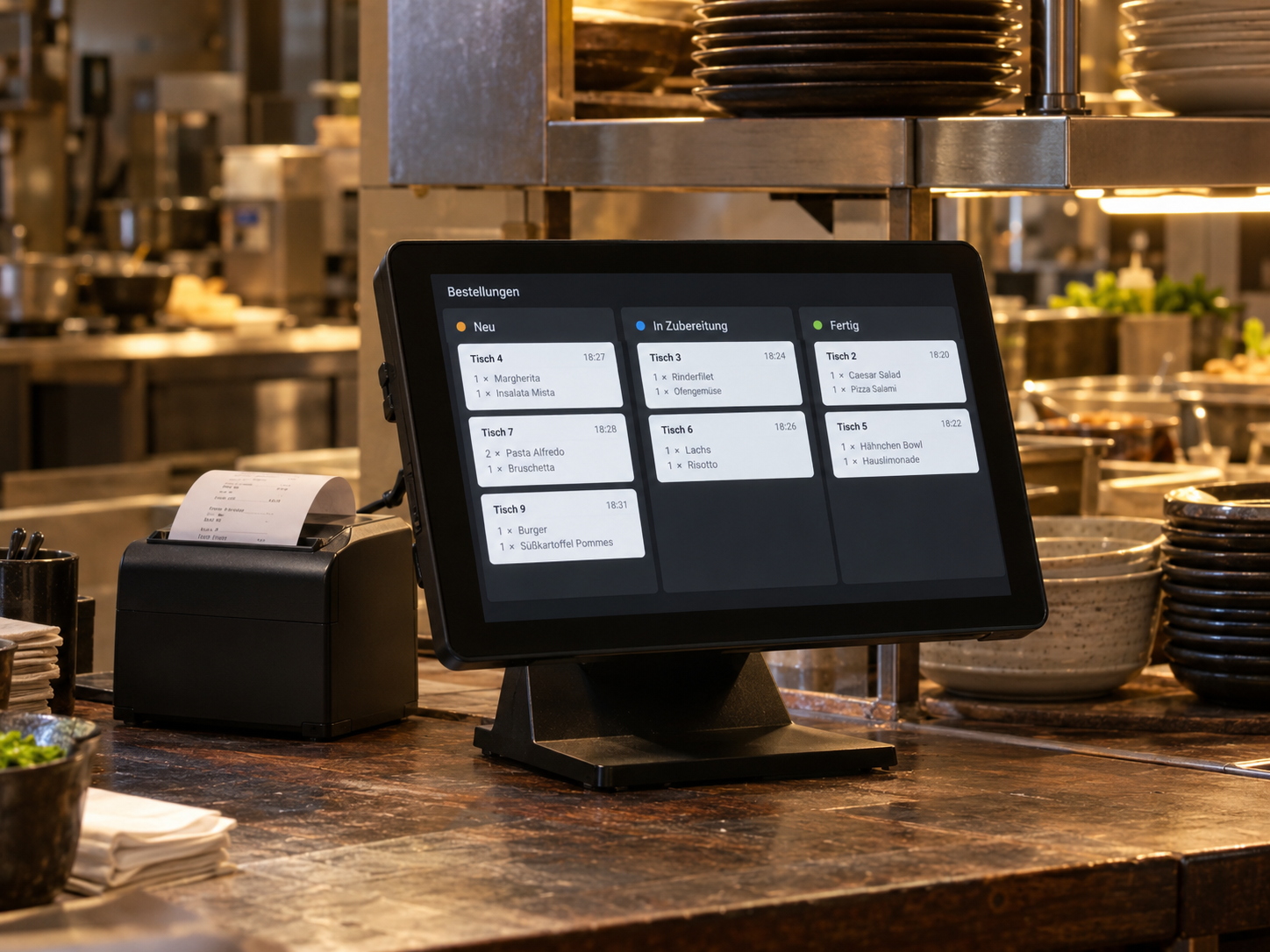
The Kydyrov kitchen display shows orders digitally, where your team works.
Dish, variation, removed ingredients, note and table.
They appear as soon as the guest has ordered.
The kitchen marks the order as preparing, then prepared.
When the order is ready for collection, service receives a notification. The guest sees the status on their phone.
We identify stations, handovers and the information your team needs on tickets.
Devices, placement and order handover are aligned with the agreed workflow.
Your team checks sample orders, special requests and notifications to service or the handover station.
Tickets, workstations and handover to service or collection.
In the demo, the dish, quantity, variation, removed ingredients and guest's note appear together with the table or order type on the ticket. For your business, we agree on which information each station needs to see. Payment status and preparation status remain separate.
That depends on whether the kitchen, bar and handover station work separately, for example. We look at movement between stations, viewing distance and space for devices. Splitting orders across several stations is a separate setup item; the single view shown does not demonstrate this as a completed feature.
Tell us the model, operating system, screen size and planned location. We check whether the display and controls suit the working environment. Power, network access and secure mounting matter too, as does who will operate the device.
In the demo, the kitchen marks the order as prepared; service then handles handover. For your business, we define where this notification appears and who confirms it. The status must match the actual handover so that ready orders are not left waiting unnoticed.
Special requests are clearly shown on the ticket. For later changes, we establish a clear route between service and the kitchen, especially when preparation has already begun. A free-text field alone cannot replace this coordination; your team must be able to review critical or unclear details.
Tell us about your situation. We'll work through your questions with you.