Separate devices for separate channels
Each ordering channel has its own screen.
Table, online, kiosk: when orders arrive separately, your team has to re-enter and piece them together.
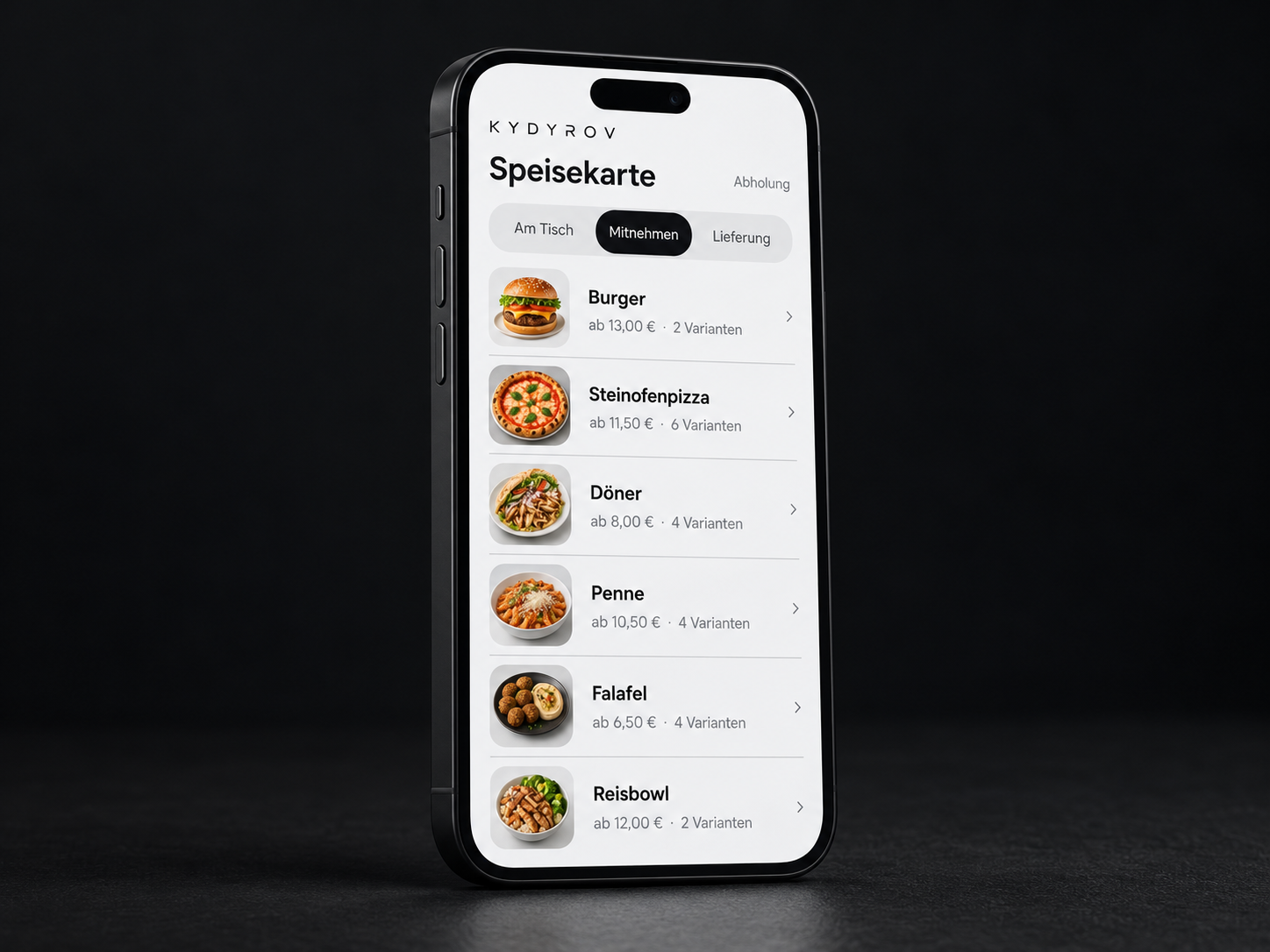
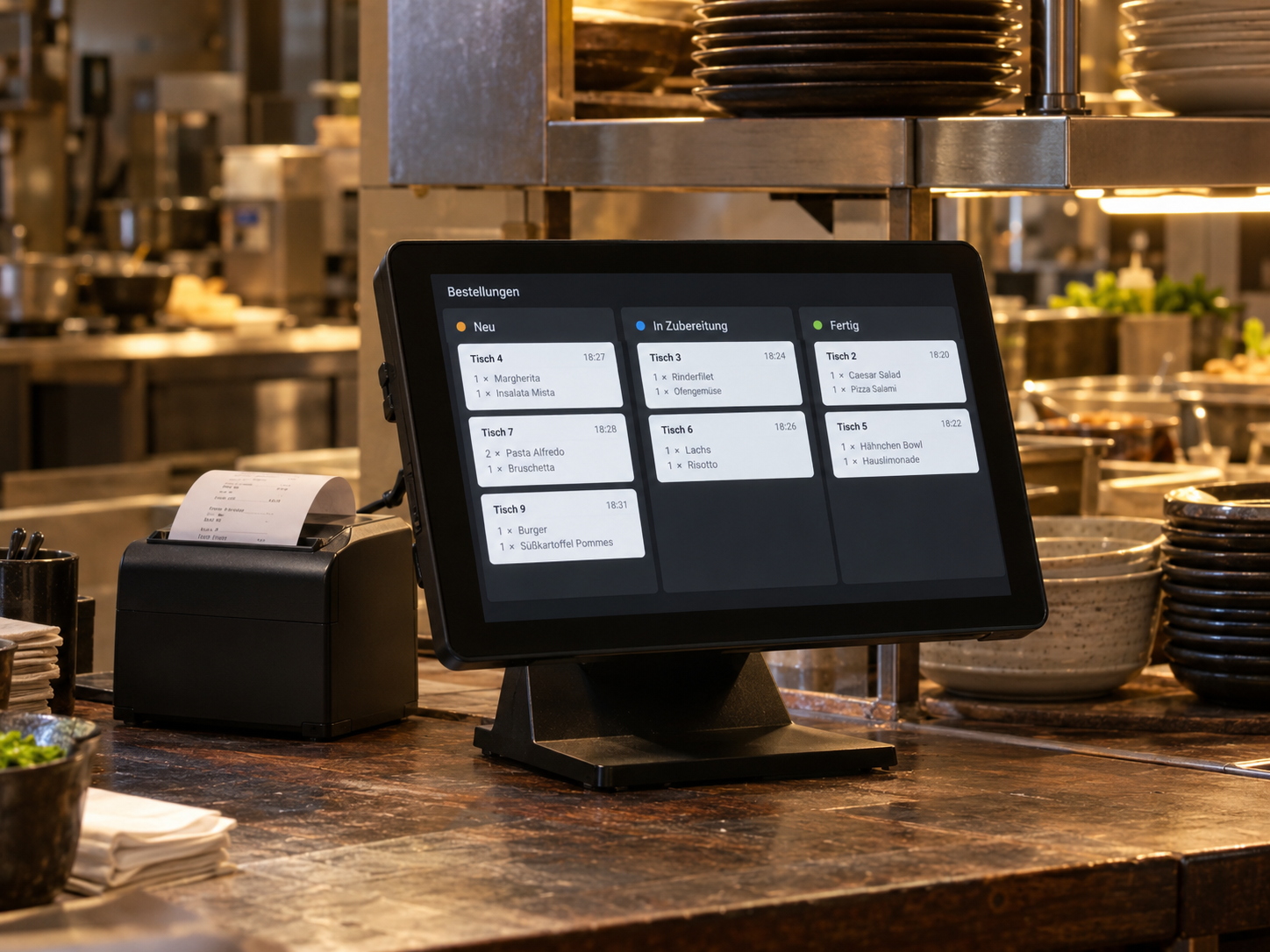 Example · generated image
Each ordering channel has its own screen.
Every handover is a point where information can be lost.
A dish sells out, and someone has to remove it from several systems.
The only way to know whether an order has reached the kitchen is to ask.
Every extra step demands attention you don't have during the rush. And every retyped line is another chance for something to go wrong.
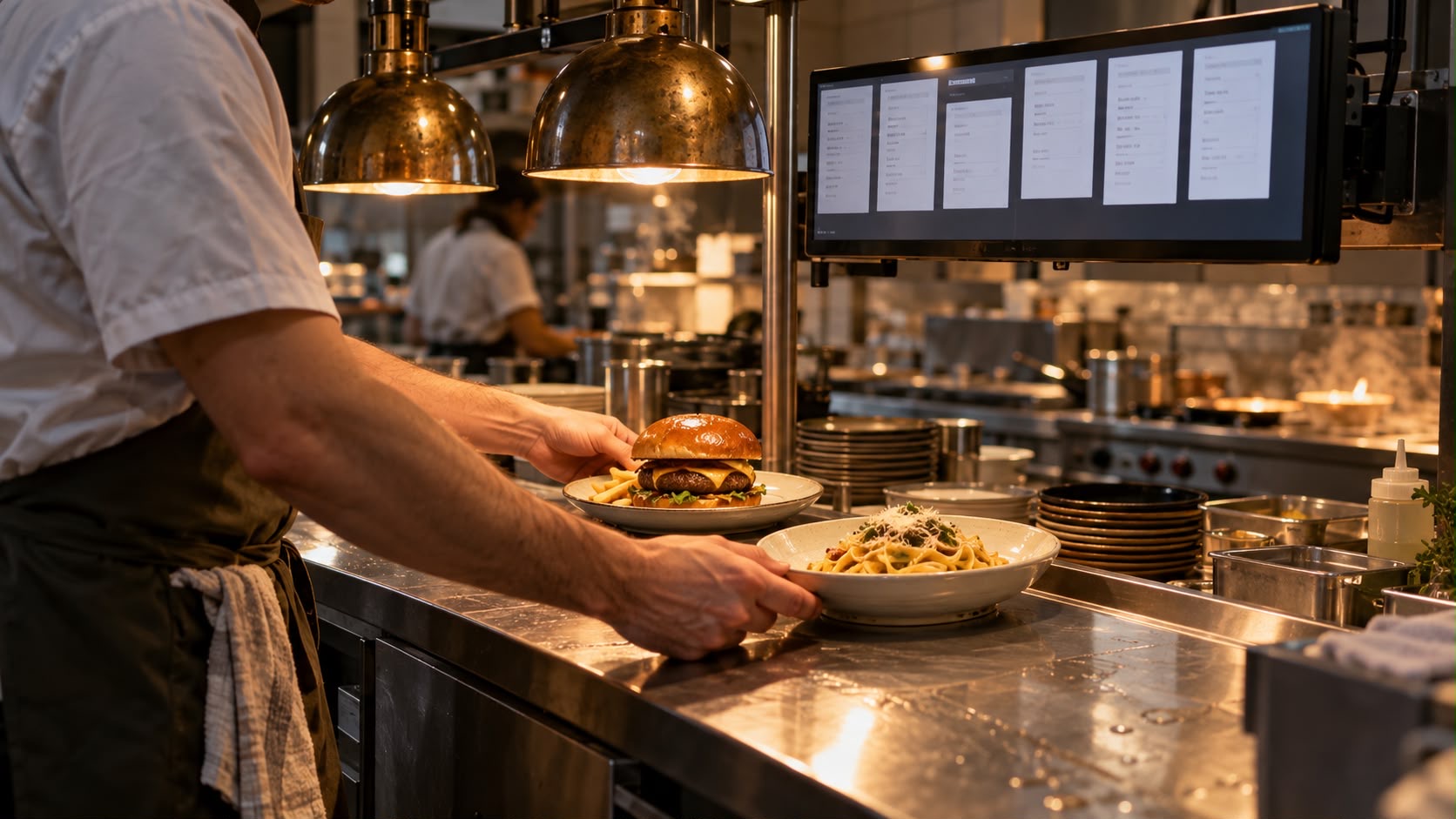
The Kydyrov ordering system brings orders together and passes them to the next station.
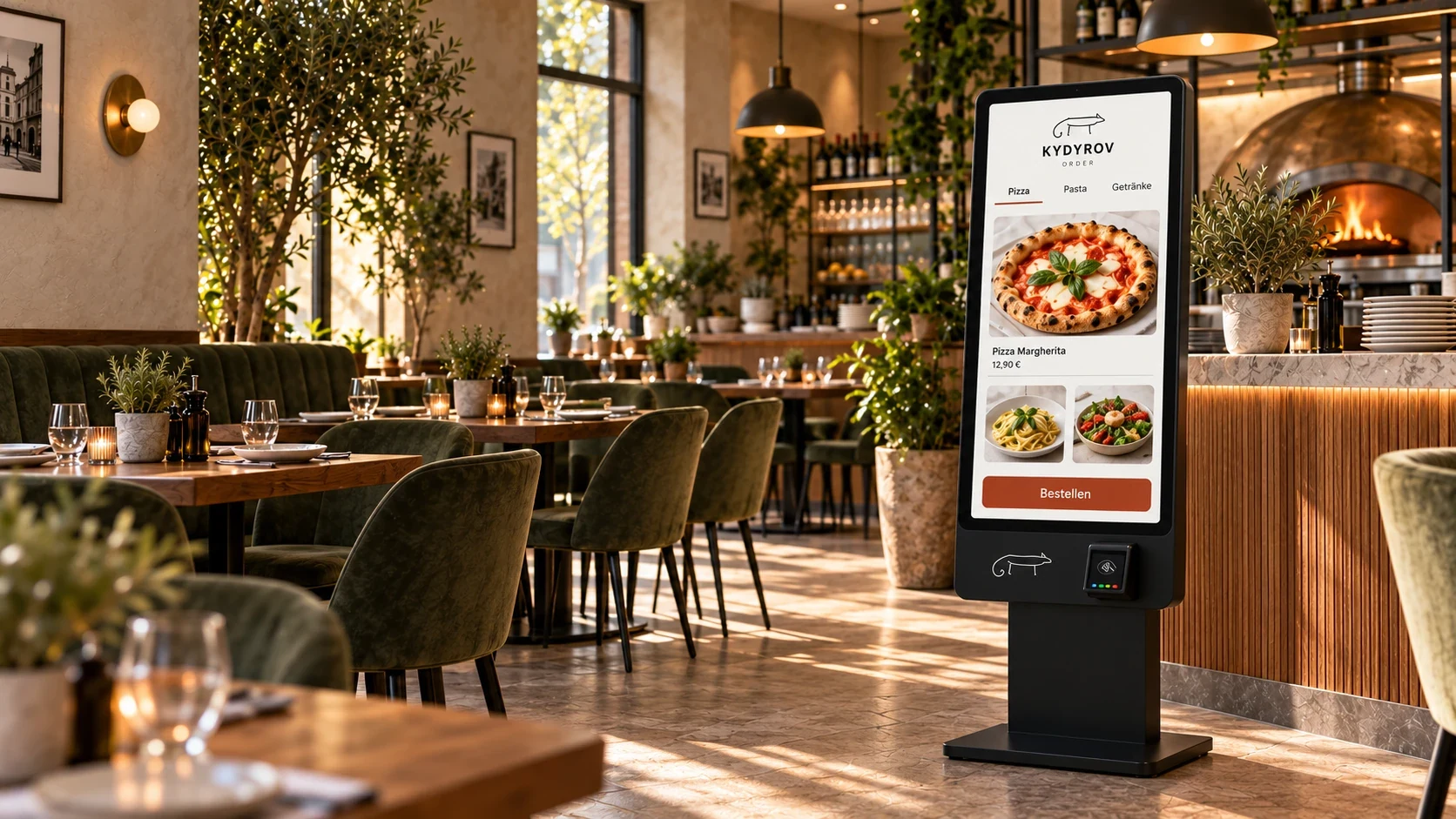
Orders at the table, at a kiosk and through your website, for takeaway or delivery.
Variation, ingredients, notes, table and payment status stay together.
Update them once, in one place.
Guests, kitchen and service see the same status.
We can install a new till system for you. If you already have one, we can set up Kydyrov on your system. We check its suitability in advance.
We review your till, channels and the path an order takes through your business.
Items, variations, prices and the agreed connections are prepared.
We walk through incoming orders, special requests, changes and handovers together.
What matters for reliable order receipt and connecting your equipment.
The ordering system manages orders and their processing status. The till solution included or connected is agreed separately. We check the available interfaces for your existing till; placing an order does not automatically make any till compatible.
The intended channels are the agreed options at the table, through your website and at a kiosk. We first identify which ones your business actually needs. External delivery platforms are only included if a suitable integration has been checked and agreed as part of the service.
In the demo, the variation, removed ingredients and an additional note are attached directly to the ticket. For your business, we structure these details around your menu. It is particularly important to distinguish between selectable options, surcharges and notes that your team needs to review.
We define who can still change or cancel an order and how the kitchen is informed. Preparation already underway and any necessary refunds need a separate process. The demo's simple status display does not yet cover all these exceptions.
Before launch, we define which system holds the master menu and which staff can edit it. This helps avoid different information appearing on the till, website and kiosk. Maintenance and the transfer of updates are therefore part of setup planning.
Tell us about your situation. We'll work through your questions with you.