
Ordering more means catching someone's eye
Another drink, another dessert: the guest waits until service is nearby again.
Guests who have to wait to catch someone's eye sometimes skip a second round. With Kydyrov, they order on their phones and your team has more time for recommendations.
 Example · generated image
Another drink, another dessert: the guest waits until service is nearby again.
Variations and notes are written down, called out or typed in. The kitchen then has to ask for clarification.
Take the order, enter it, pass it on. Every step takes time away from something else.
The fuller the restaurant, the longer guests wait for the next round.
An extra order that is never placed doesn't appear in any till. It simply goes unnoticed. During the rush, your service team is caught between two tasks: offering advice and taking orders.
Personal service stays. Your team doesn't have to take every round and has time for recommendations and conversations.
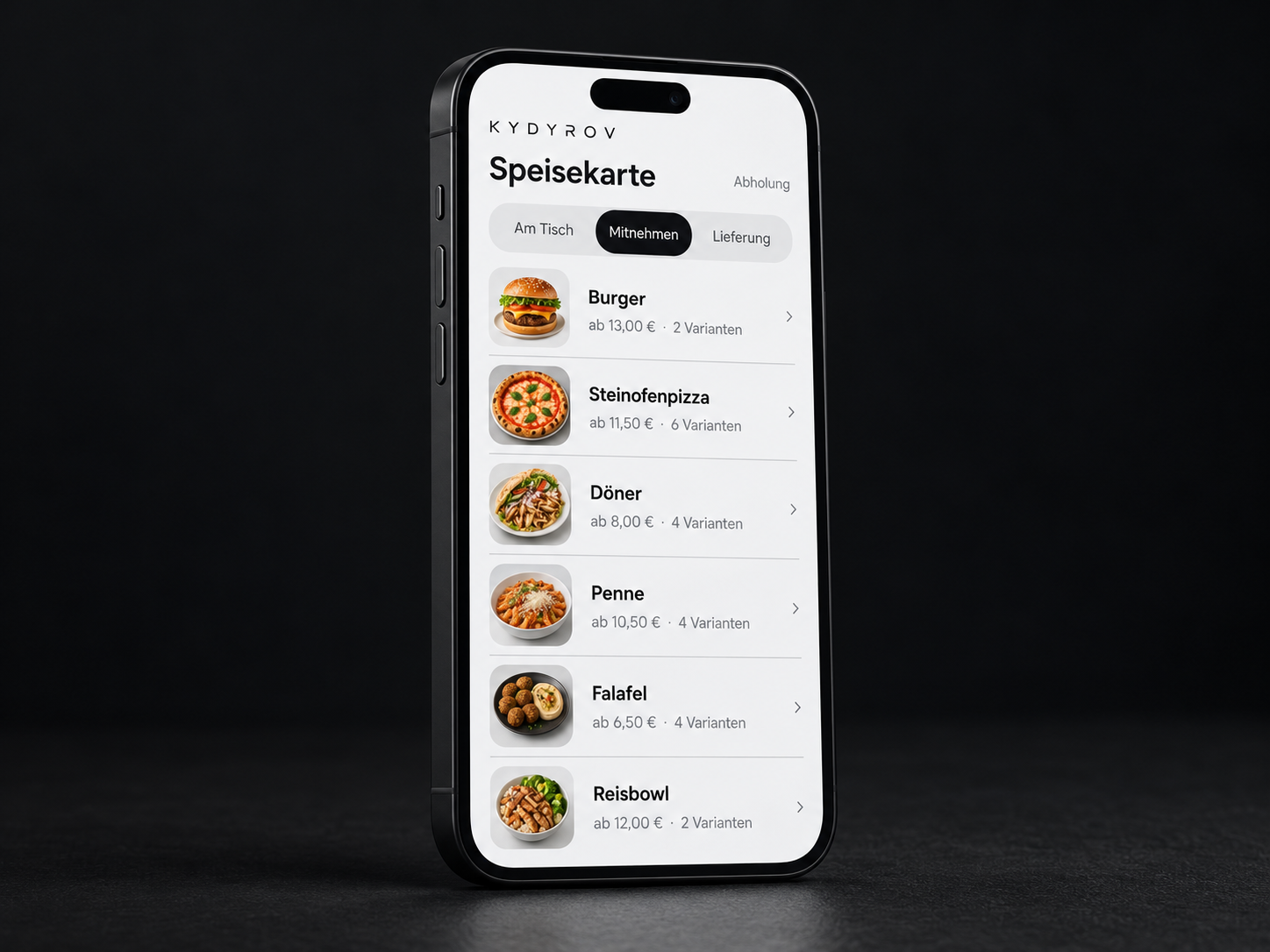
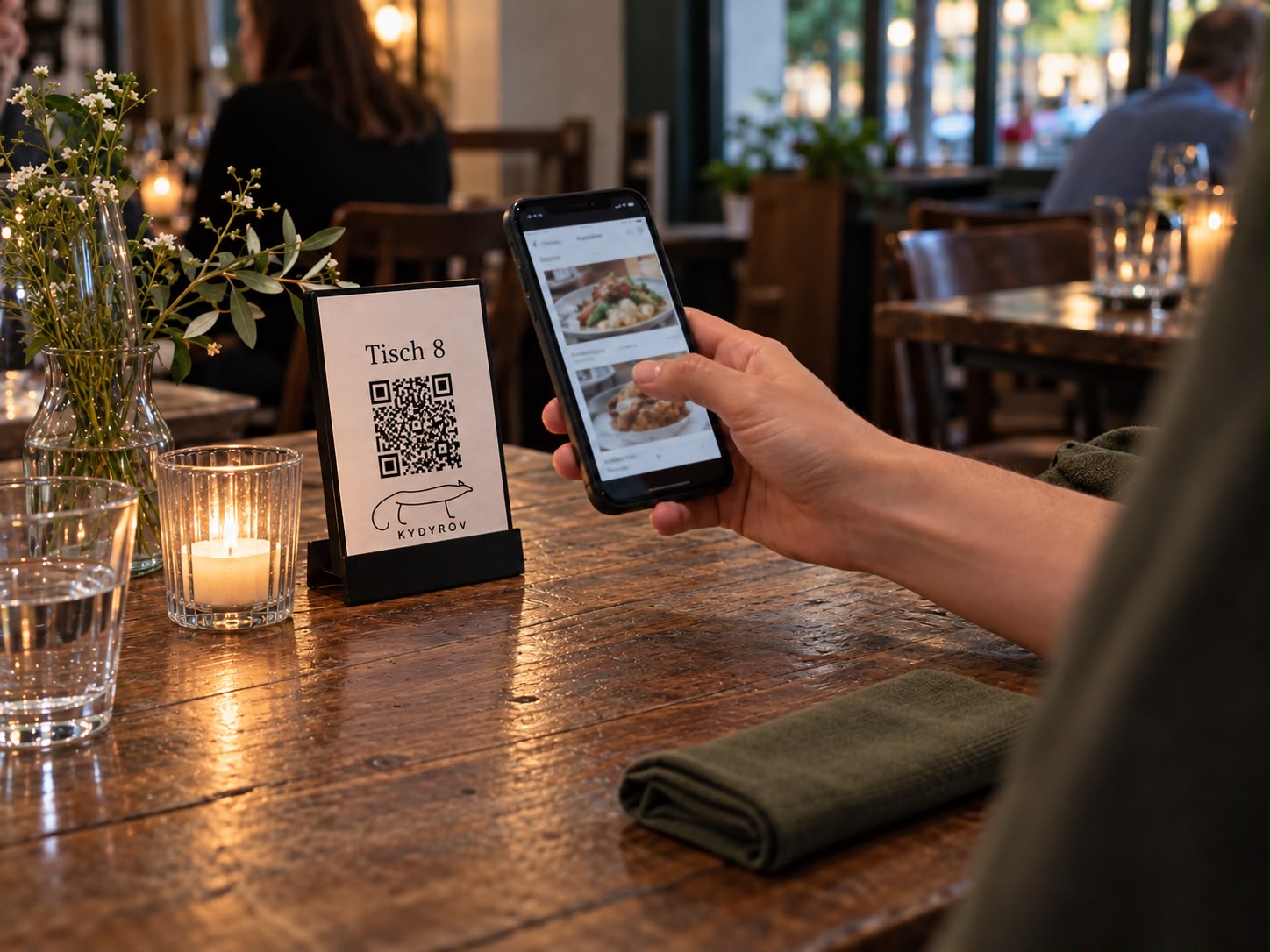
Guests scan the QR code at the table and order on their phones. The table number is already assigned.
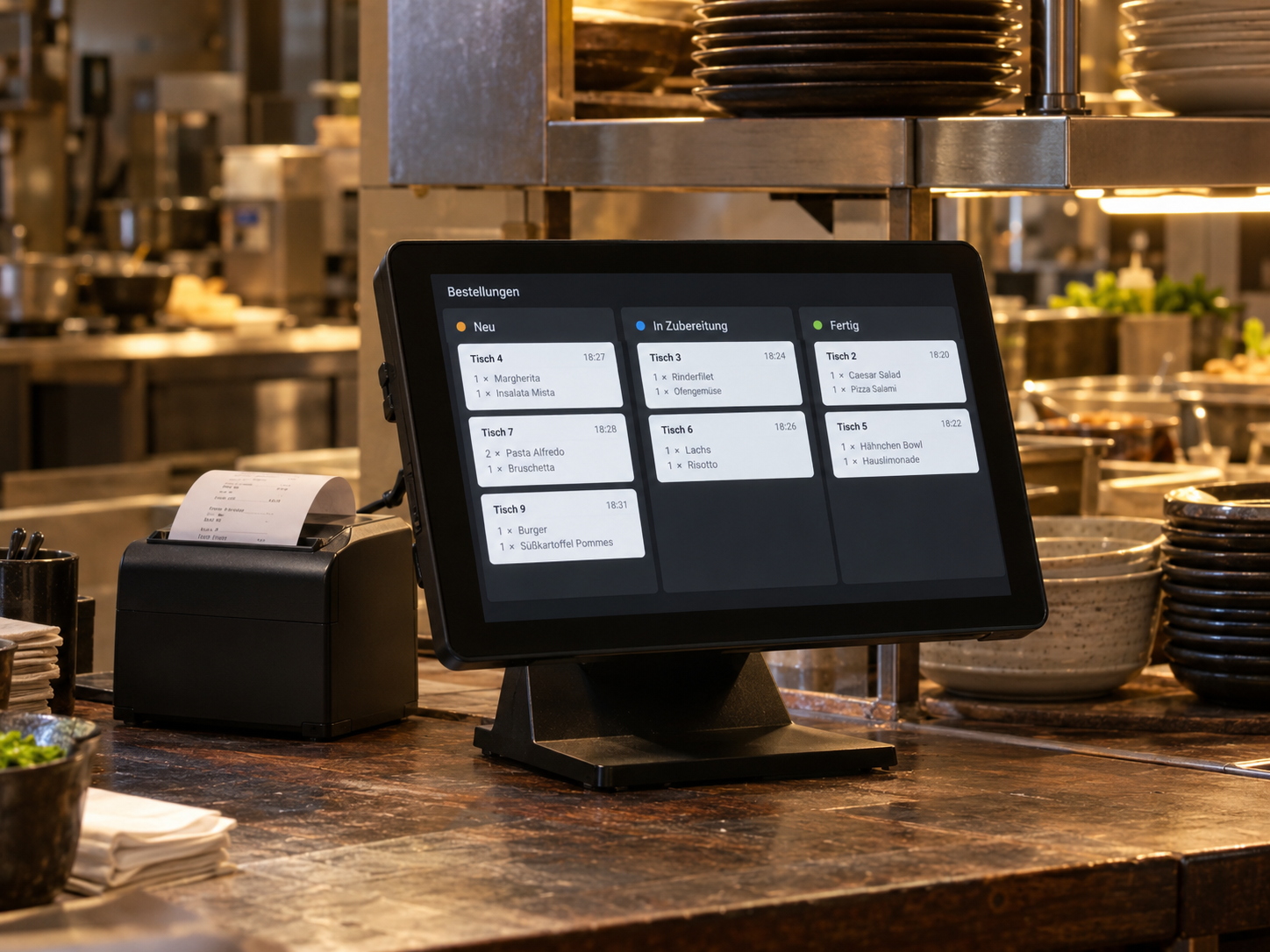
Every order arrives with its table, ingredients and note. The payment status stays attached.
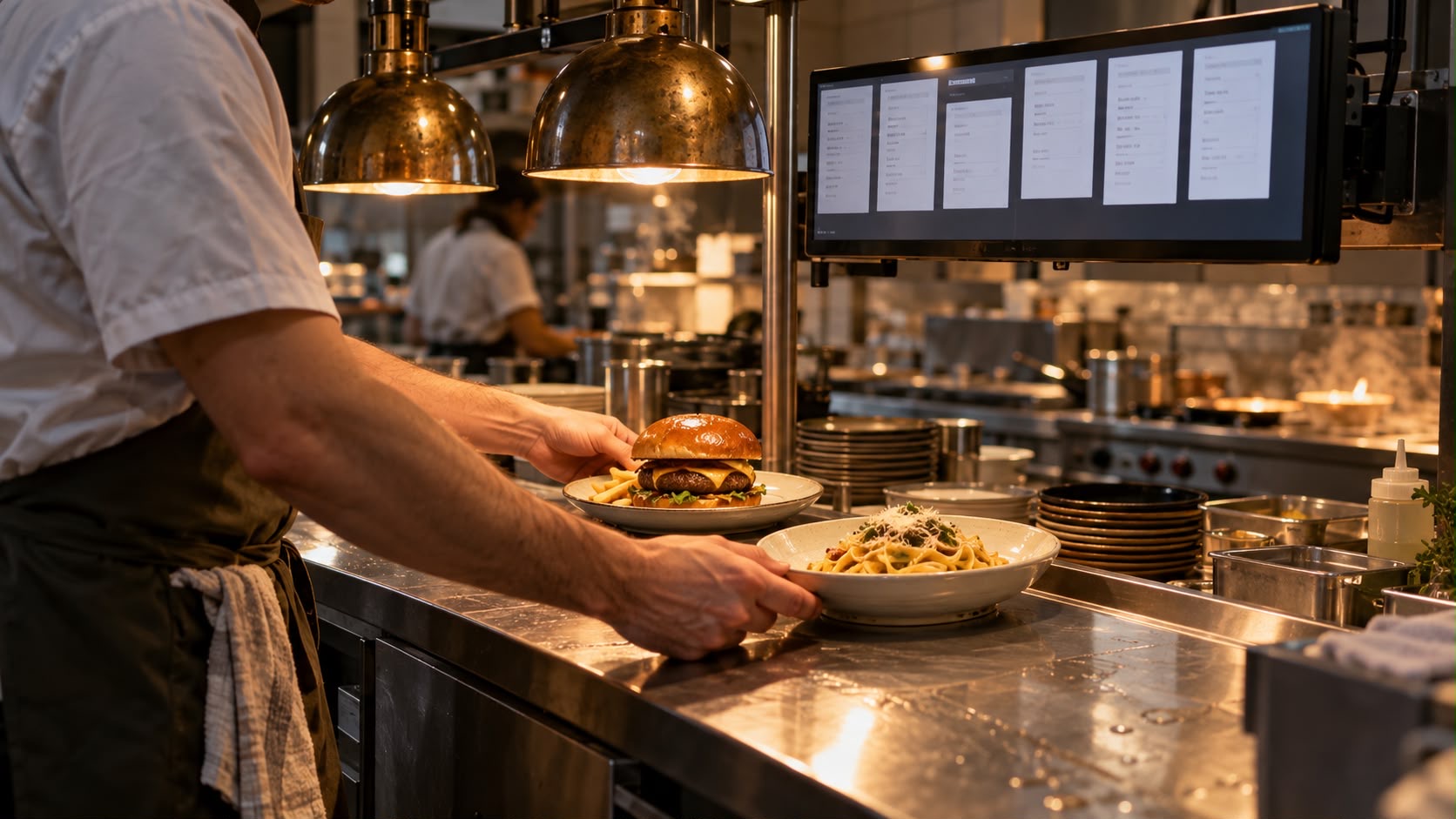
The kitchen sees the ticket and updates its status. Service receives a notification when it is ready for collection.
The guest scans the QR code at the table.
They choose a dish, remove an ingredient and order.
The kitchen prepares the order and updates the status.
Service brings the order and marks it as delivered.
We clarify table assignment, orders taken in person and your team's responsibilities.
Variations, notes and the agreed ordering channels are set up.
Your team checks ordering, additional orders, kitchen notifications and handover at the table.
Ordering at the table, additional rounds and working with your team.
The ordering experience shown opens in the browser. For a business using table QR codes, we define which code belongs to which table and how guests reach the menu. Your team remains available if a guest doesn't want to use a suitable smartphone or needs help.
No. The QR code complements order taking. Advice, questions, serving and personal contact remain your team's responsibilities. We agree on when guests order for themselves and when service takes over, so that two parallel channels don't lead to duplicate orders.
In the demo, further orders are assigned to the sample table. For your business, we also check table assignment and handovers when guests change tables or a table is seated again. A combined bill or split payment is a separate process that we define additionally.
In the demo, guests can remove ingredients and add notes. We enter the variations and surcharges you actually offer into the menu. Unclear requests still need clarification by service; a text field cannot replace coordination with the kitchen.
This is planned as an additional ordering channel. What matters is where these orders are entered and how they reach the kitchen alongside QR orders. Before launch, we test both routes together, rather than simply putting extra QR codes on tables.
Tell us about your situation. We'll work through your questions with you.