
Queues during the rush
While one guest is still choosing, the next is waiting.
When it's busy, your team takes orders, asks questions and passes details on. With a self-order kiosk, guests order for themselves and the kitchen receives the details directly.
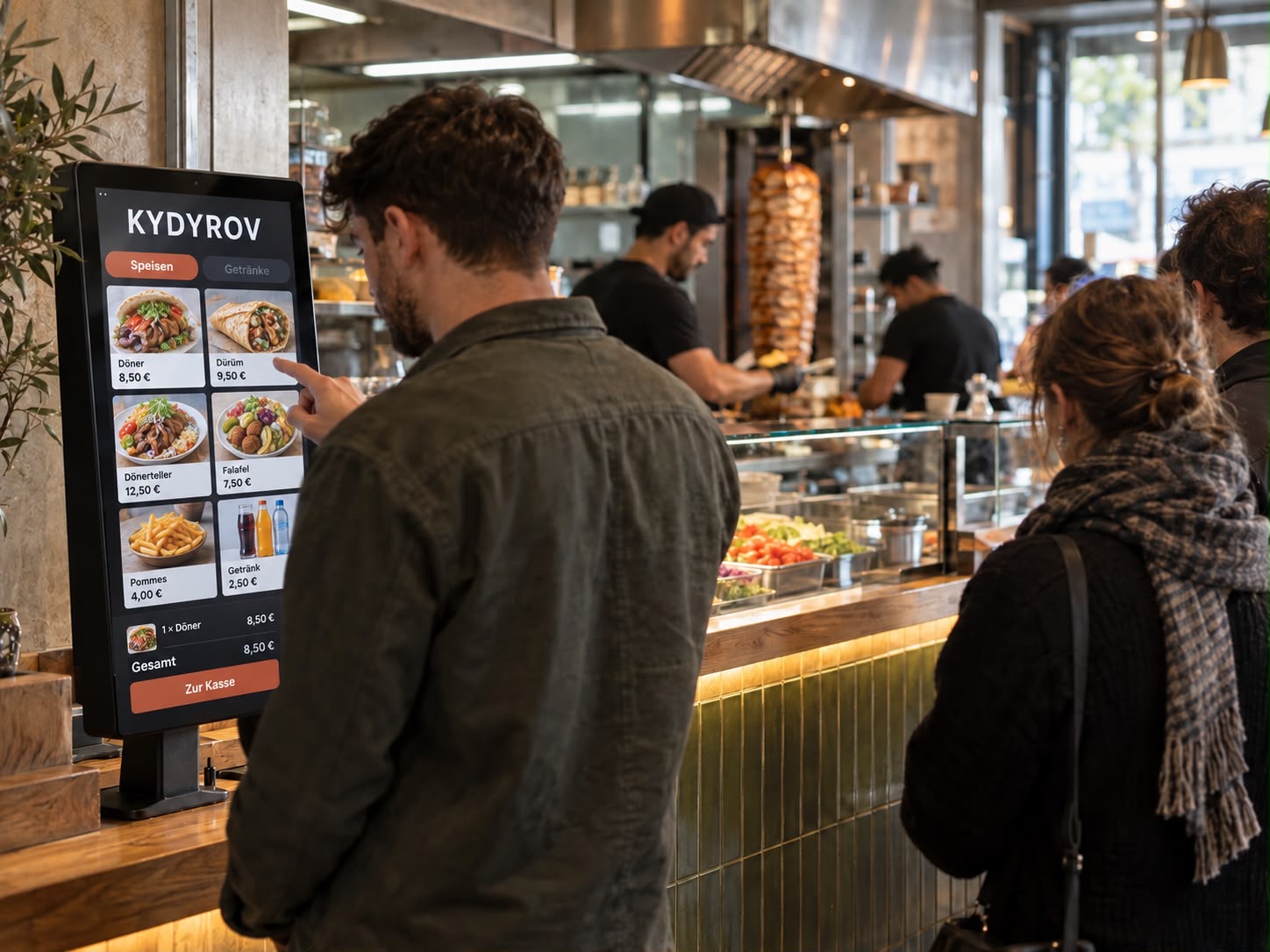 Example · generated image
While one guest is still choosing, the next is waiting.
Variations are asked for, called out and passed along. The more hectic it gets, the more questions arise.
When you're busy taking orders, you don't suggest an extra.
Some guests turn away when the queue isn't moving.
When order taking depends on just a few people, they set the pace for the whole business. Each extra guest adds pressure. More orders only help if the kitchen can handle them.
Your team no longer has to take every order and has more time for the kitchen and handover.
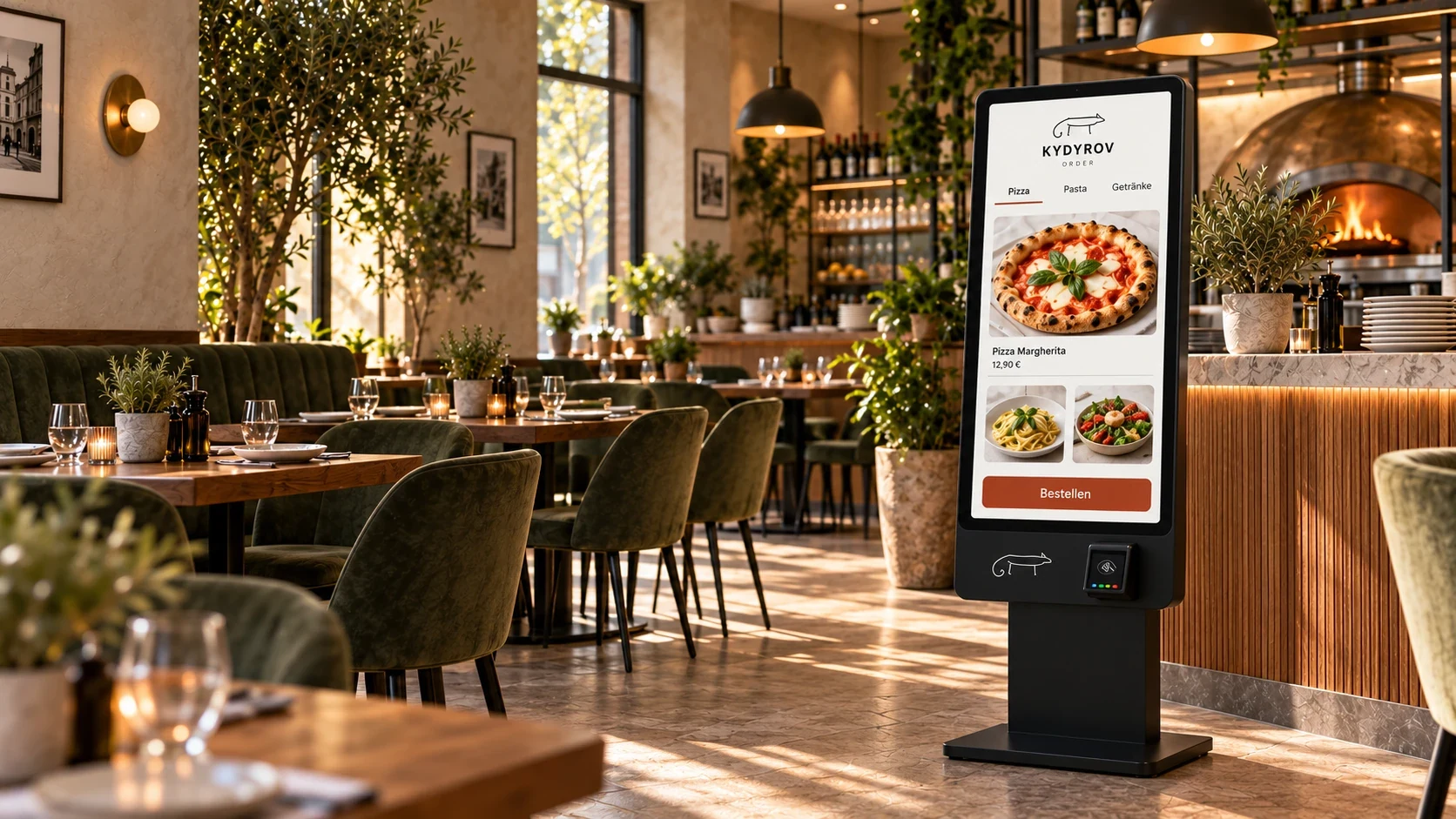
Guests choose the dish, variation and ingredients themselves. Their selection goes straight into the ordering workflow.
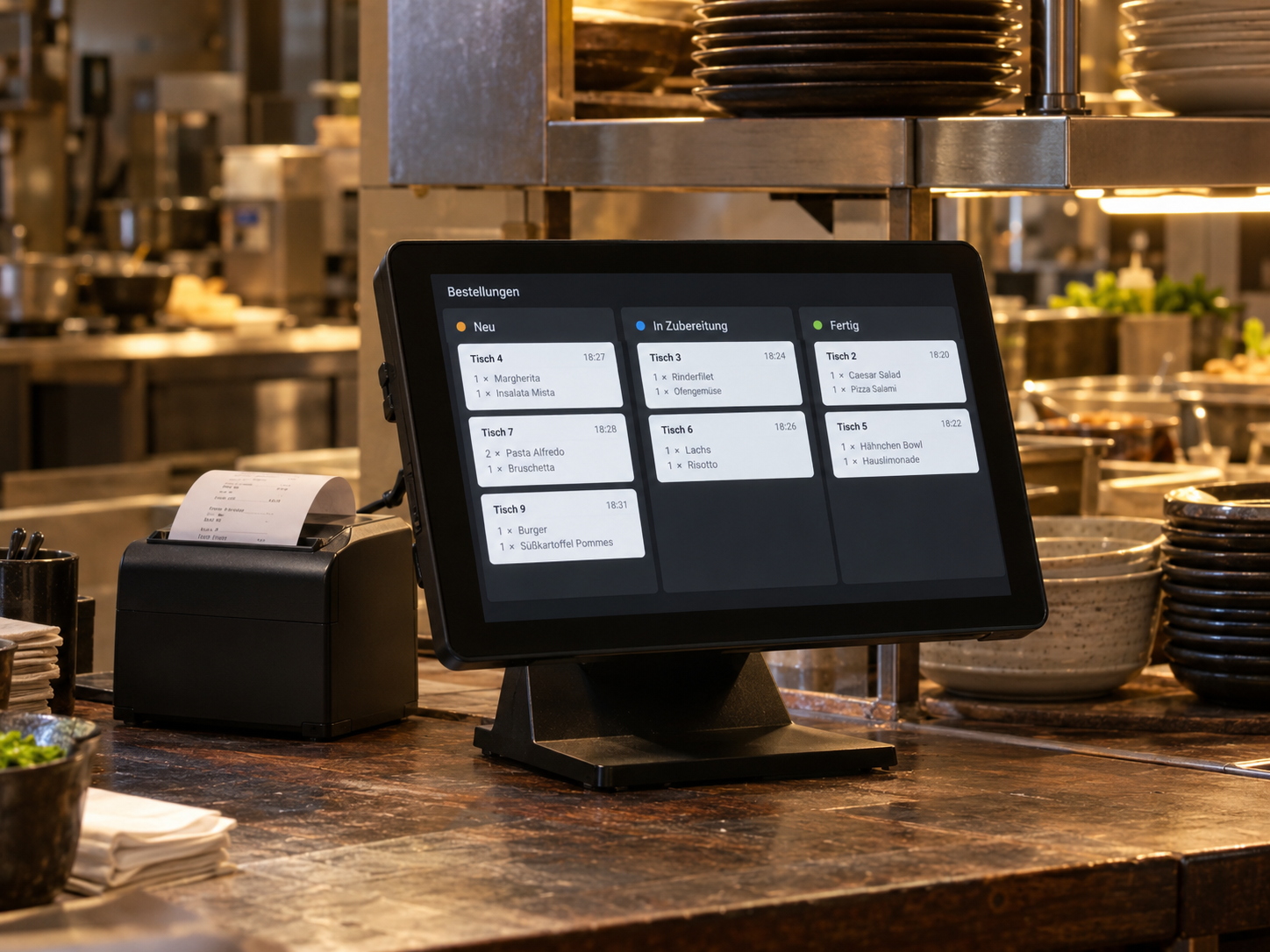
All ordering channels come together: kiosk, online ordering and table orders.
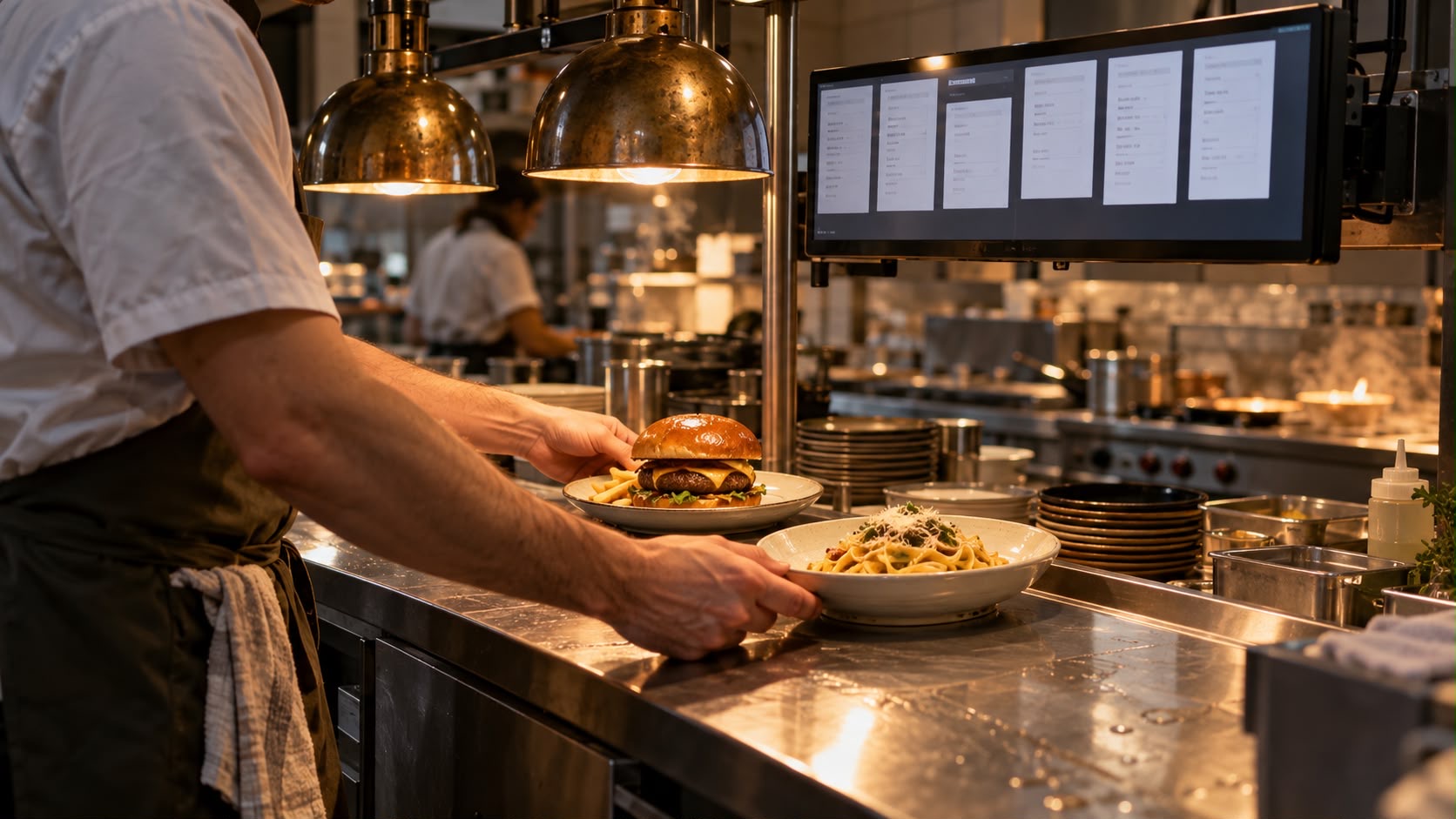
The kitchen sees every order with all its details and updates the status.
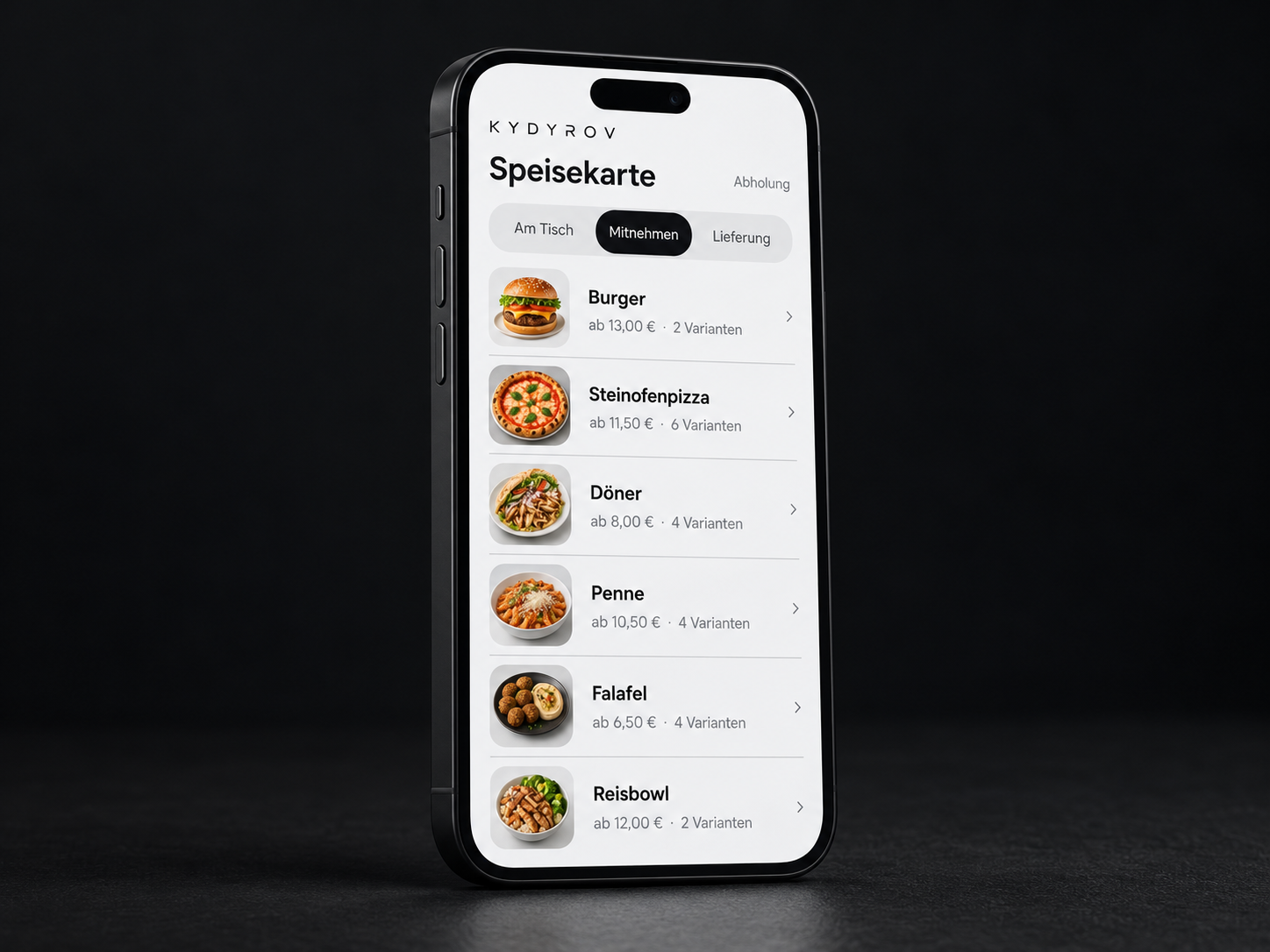
The guest chooses the dish, variation and ingredients at the kiosk.
The order goes to the ordering system.
The kitchen sees it on the display and updates the status.
The collection station hands over the order.
We assess order volume, preparation, handover and existing hardware.
Variations, order types and handover to the kitchen are agreed.
Your team tries orders from several channels and checks clear identification at collection.
Ordering points, busy periods and clear identification at collection.
That can happen if order taking and preparation aren't planned together. We therefore look at order volume, typical preparation time and handover as one process. The number of kiosks and ordering channels should fit the way your business works.
The order type must be clear before handover and appear on the ticket. We clarify when guests choose it and what information the kitchen and handover station need. Packaging, collection point and how it is handled in the till are agreed with your team.
We review your menu for required choices, variations and additional options. Clear rules matter, such as exactly one side, a drink size or a surcharge. The agreed scope specifies which option groups will be implemented; the demo shows selected examples.
We define how an order is identified, who marks it as ready and how the guest recognises it. The order number and collection point must remain consistent throughout the process. A separate collection display or call-out system can be planned additionally if needed.
In-person ordering can be included in the workflow. We clarify how the counter and kiosk use the same item information and where orders are handed over. Your team needs clear responsibility for questions, help and exceptions.
Tell us about your situation. We'll work through your questions with you.