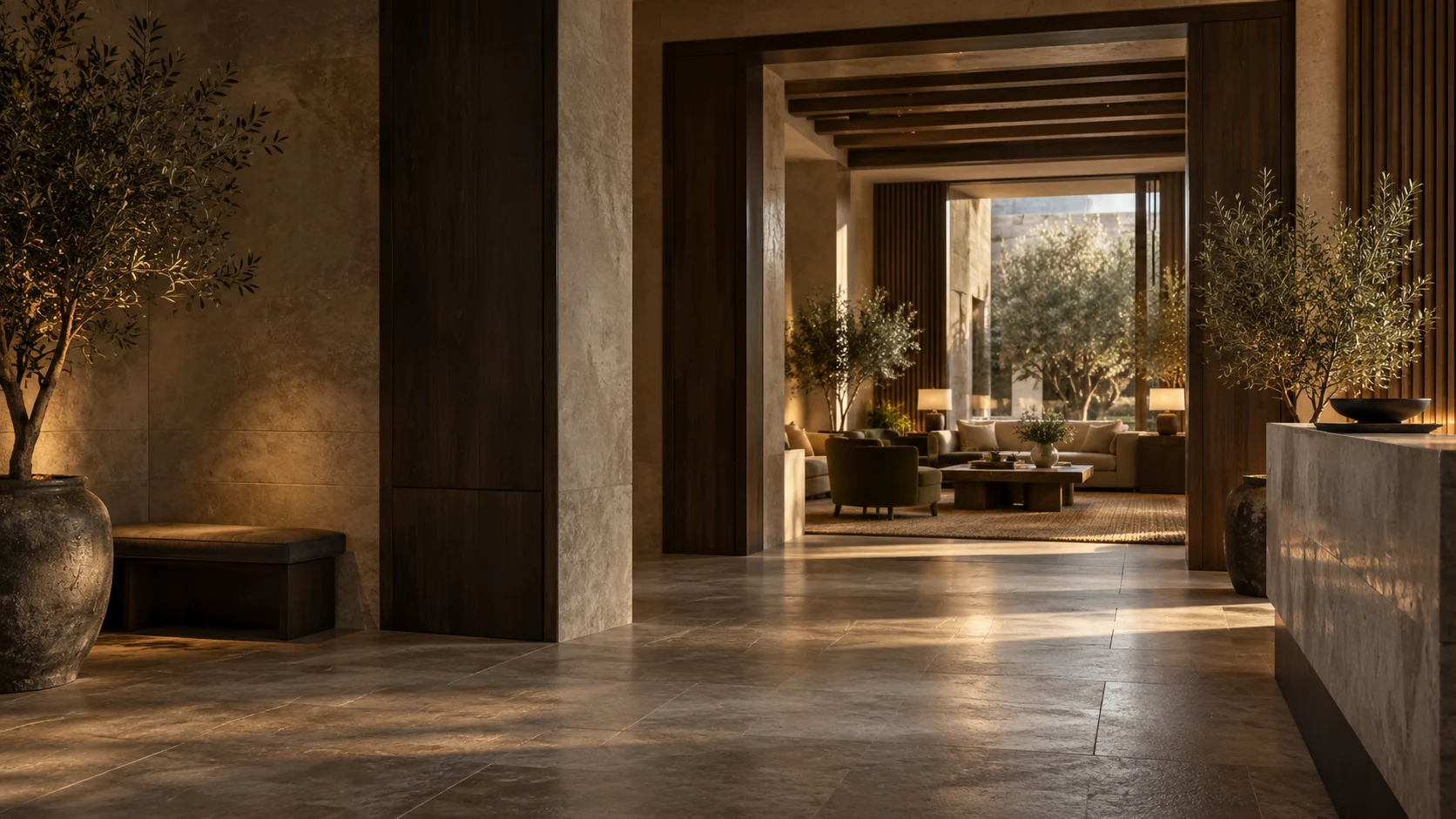
Your guests have seen your photos, but are they still unsure?
Give them a sense of what to expect when they visit.
Explore the rooms for yourself
Choose a room and open the tour.
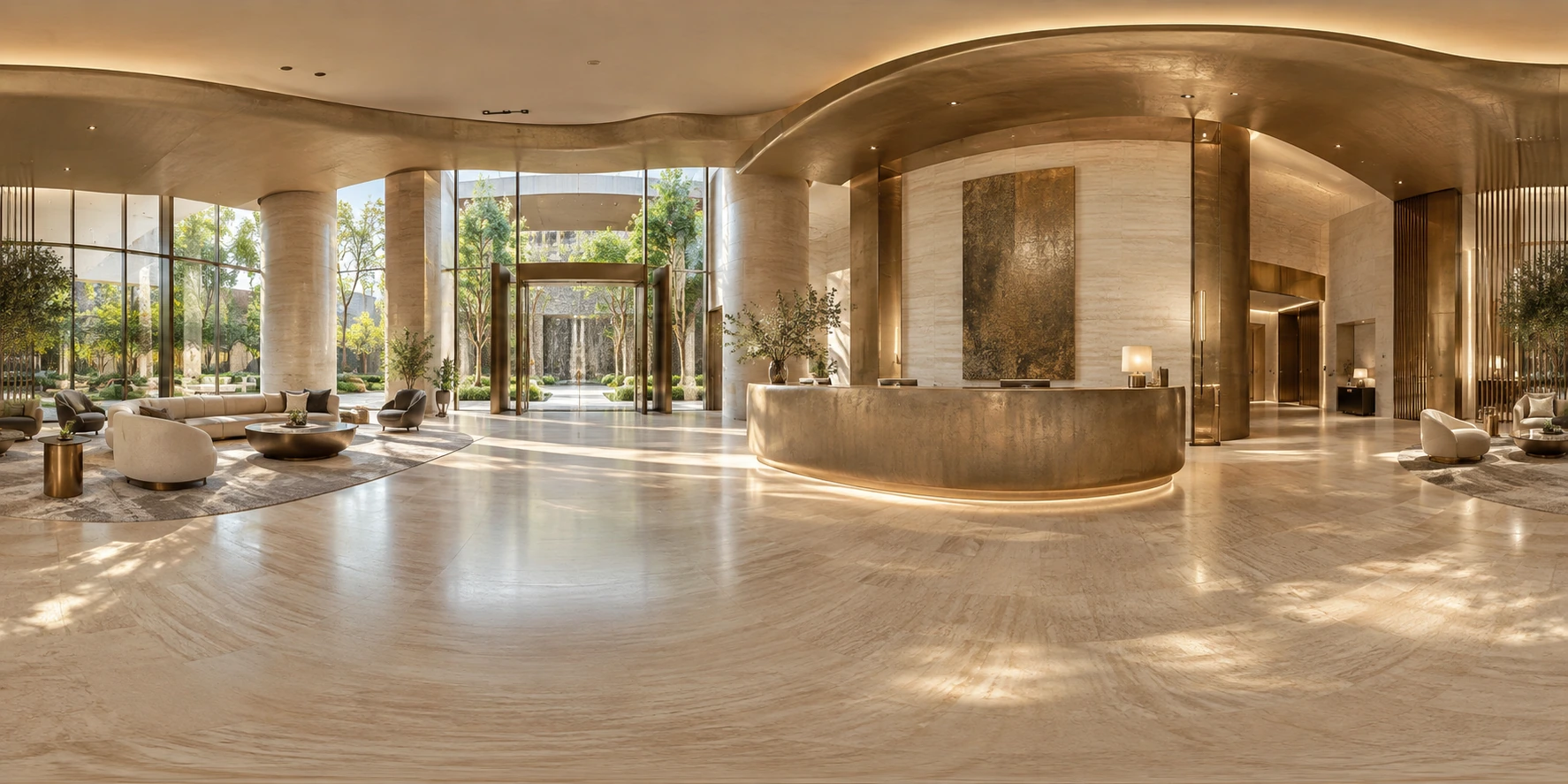 Example rooms
Possible uses
Hotels & holiday accommodation
A photo doesn't give your guest the full picture. It doesn't show how the whole space is laid out or which other rooms will be part of their stay.
Booking integrations are assessed separately.
Try the tour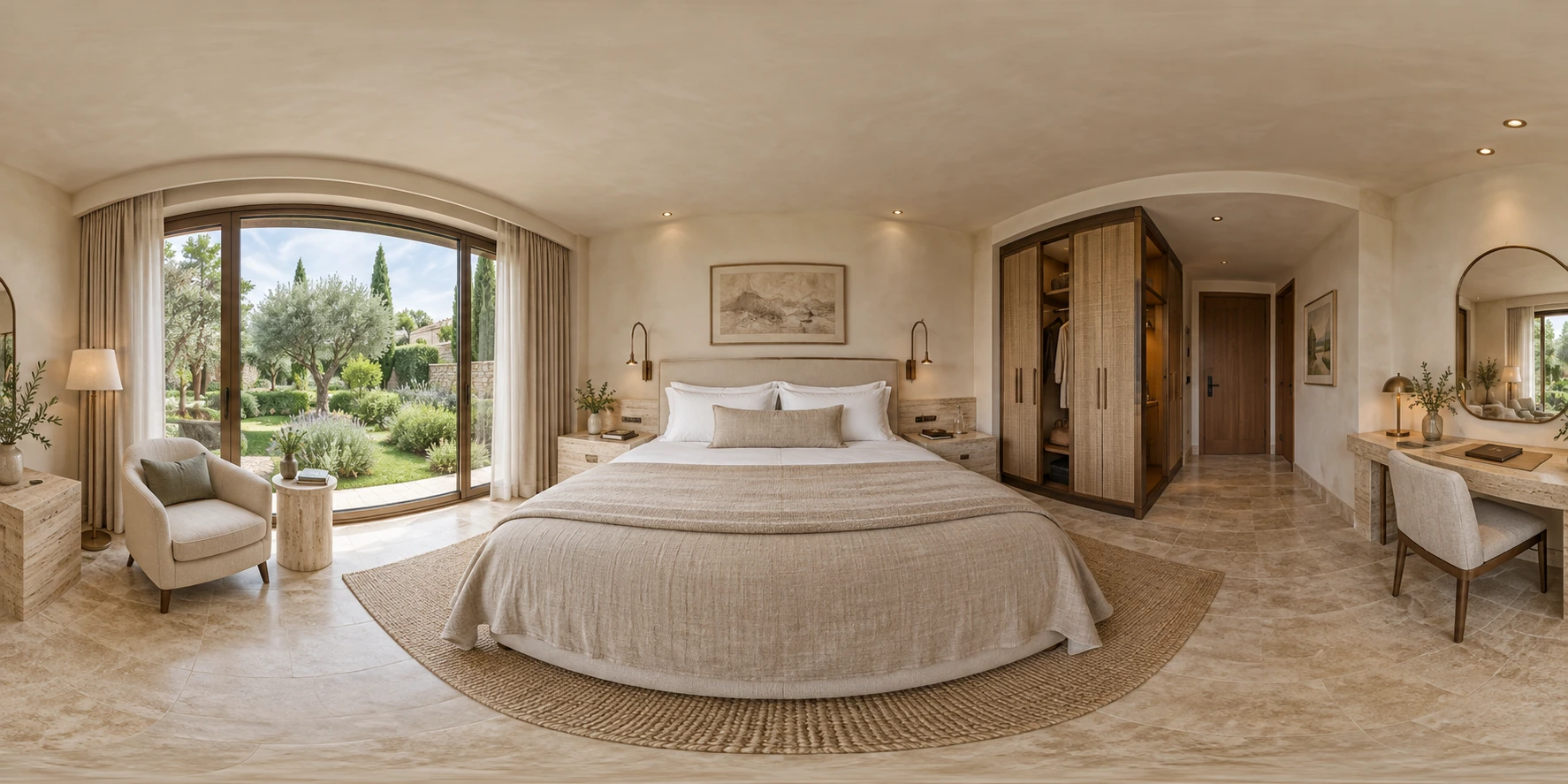
Event venues
A simple photo shows your guests what the room looks like, but not how they could use it.
We agree on the variations and the views needed with you.
Try the tour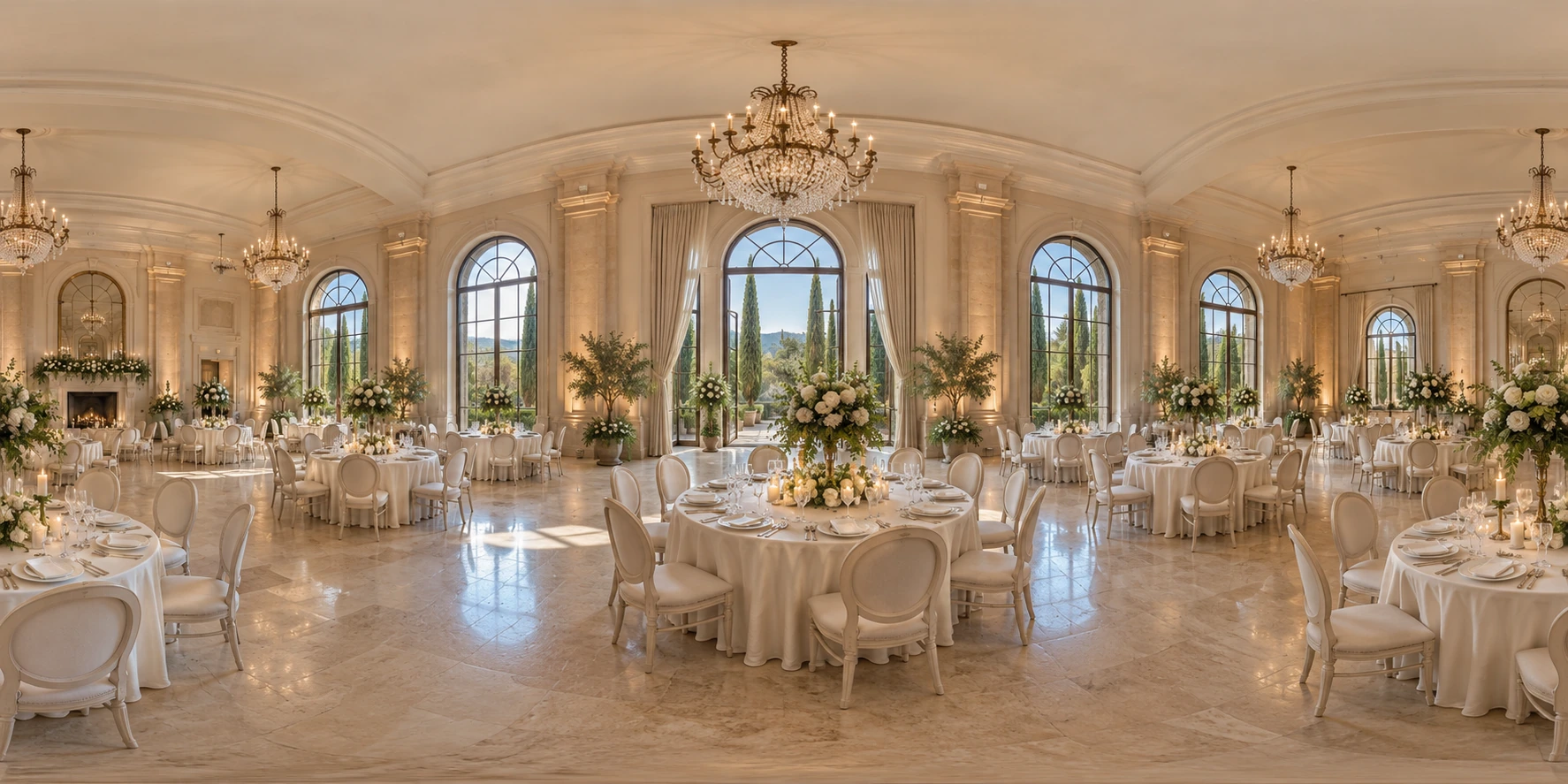
Shops & gyms
A visitor who can't find their way around isn't focused on what you offer.
More rooms can be added later.
Try the tour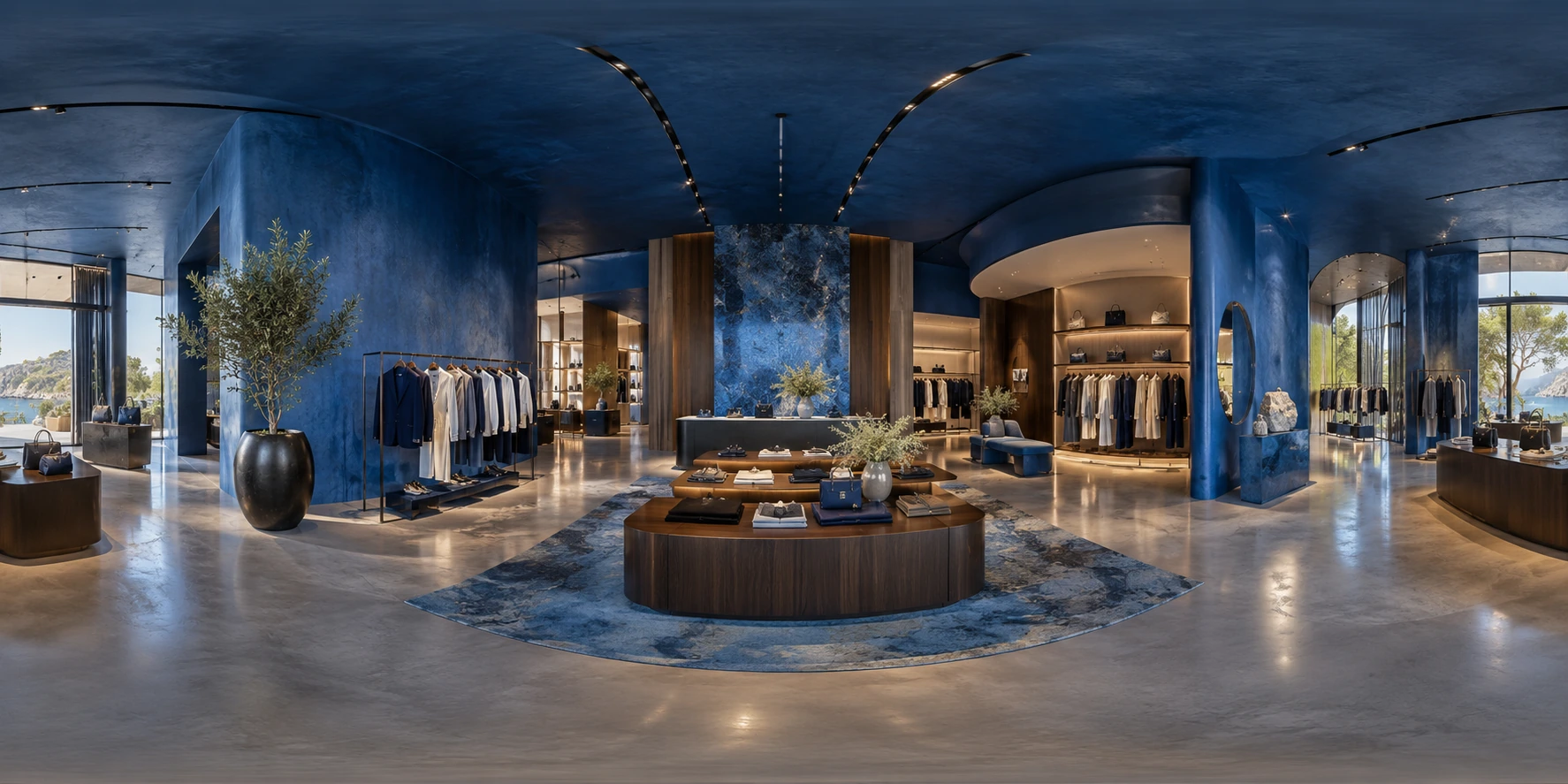
Ready to launch in three steps.
Define the rooms and route
We clarify which rooms, viewpoints and information visitors need. We check whether existing images are suitable.
Connect the views
Suitable images form the basis for the room views, navigation and agreed information about facilities and services.
Review and embed
You review the rooms and content. We test the route on mobile and desktop and agree on how to provide it on your website.
Frequently asked questions.
What matters before capturing, embedding and publishing your tour.
Can existing photos or 360° images be used?
Suitable images can form the starting point. Send us some original files and an overview of the rooms. We check resolution, viewpoints and how the views connect. Individual standard photos do not yet create a continuous 360° tour. Missing perspectives and any new photography are agreed before creation.
How should we prepare the location for photography?
Rooms should be set up as visitors will find them. We agree on accessible areas, lighting and possible photography dates. Personal documents and confidential screen content should be removed. People, reflections and visible details are reviewed before publication; automatic blurring should not replace this review.
Can the tour be embedded in our website and booking system?
We plan the integration to suit your website and its technical capabilities. A link to an enquiry or booking page is different from direct booking with availability and prices. For that kind of integration, we assess the booking system and its interfaces separately. The required connection is recorded in the proposal.
What happens if we remodel rooms or change the furnishings?
Text, information about facilities and room views involve different kinds of changes. New information may require a content update; remodelling may need new images and a revised route. More rooms can be added. For each change, we first clarify which views are affected and what additional work is needed.
Does the tour work on a phone without an app?
The demo shown opens directly in the browser. For your tour, we check navigation, controls and readability on mobile and desktop. Large image files and the internet connection affect loading time. Image preparation and loading behaviour are therefore considered during implementation; offline use would need to be agreed separately.
How can visitors find information if they can't use the tour?
Essential information should also be available outside the panorama view, for example in a room overview with facilities and contact details. The project defines which text alternatives and controls are needed. A visual tour alone is not proof of accessibility; the agreed requirements must be checked on the finished solution.
Which one-off and ongoing services are included in the proposal?
Photography, creation and ongoing hosting are listed separately. The scope covers the agreed rooms, views and information, along with the planned integration. Before launch, we also clarify who updates content, where the tour is hosted and how later extensions are commissioned. This keeps the included services clear.
Can't find your question?
Tell us about your situation. We'll work through your questions with you.