
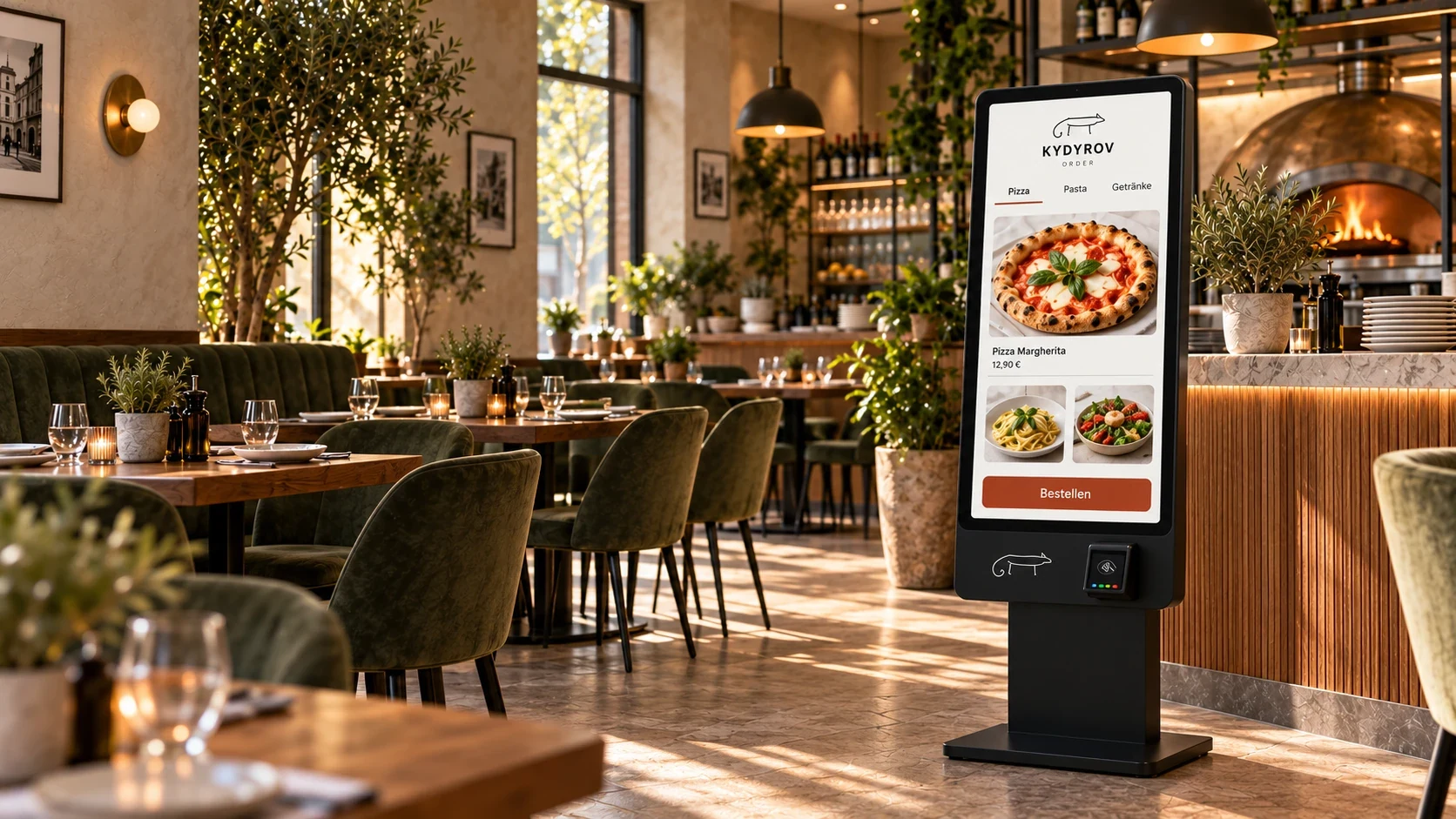
Ordering software for hospitality
Poor ordering systems cost you money. They also put pressure on staff and confuse guests.
Try ordering
Tap “Start demo” on the phone. Choose a dish, customise it and send the sample order to the kitchen. No real order is placed and no payment is taken.
Use the button to start the sample scan. No camera is needed.
Tap an ingredient to leave it out.
Order received
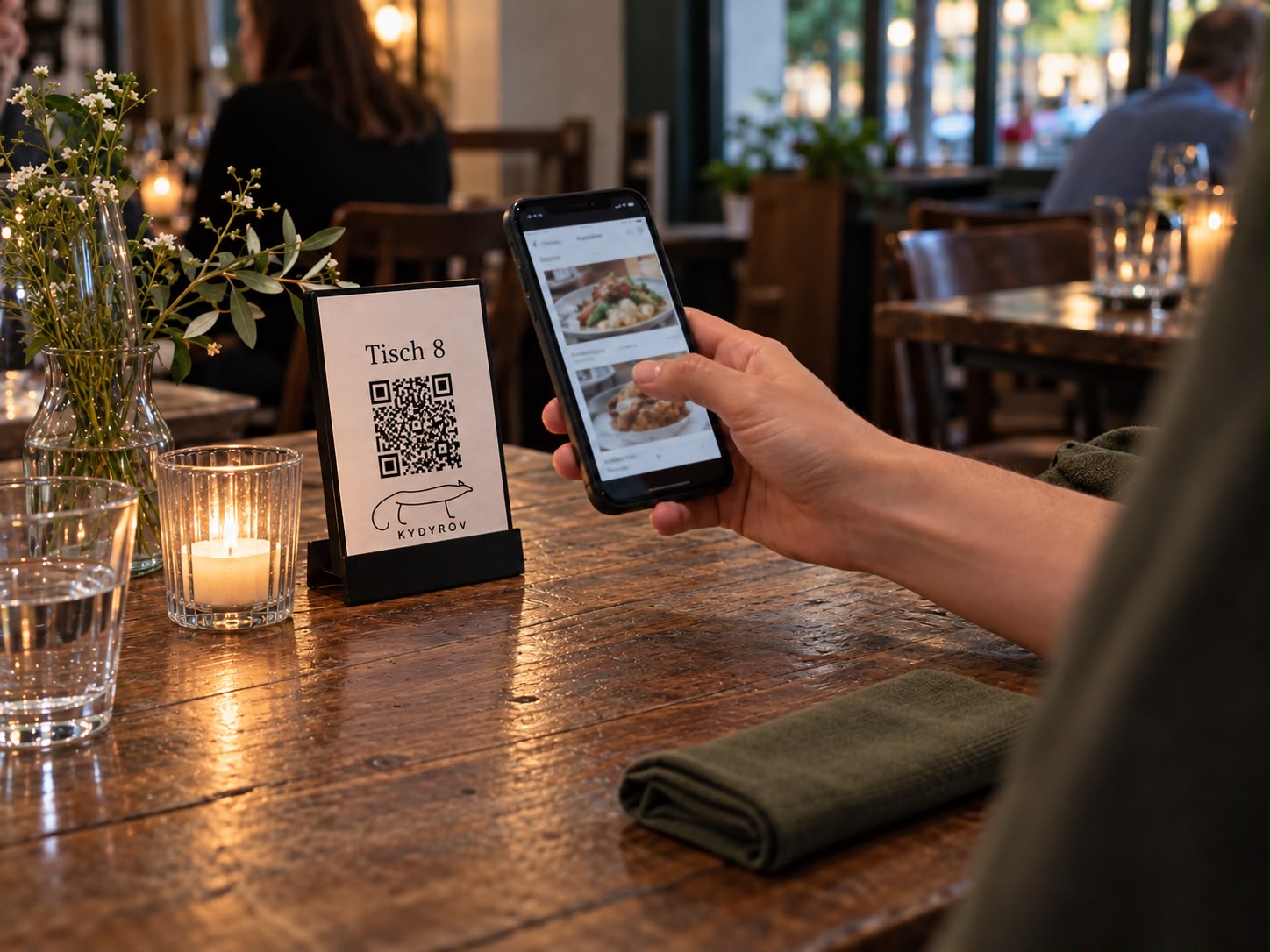
Sample dishes, prices and photos are illustrative. Photos are generated examples. The QR code is a visual representation and cannot be scanned. No till or payment service is connected.
See how it could work in your business.
Request a demoFrom order to table.
- 01Table 08
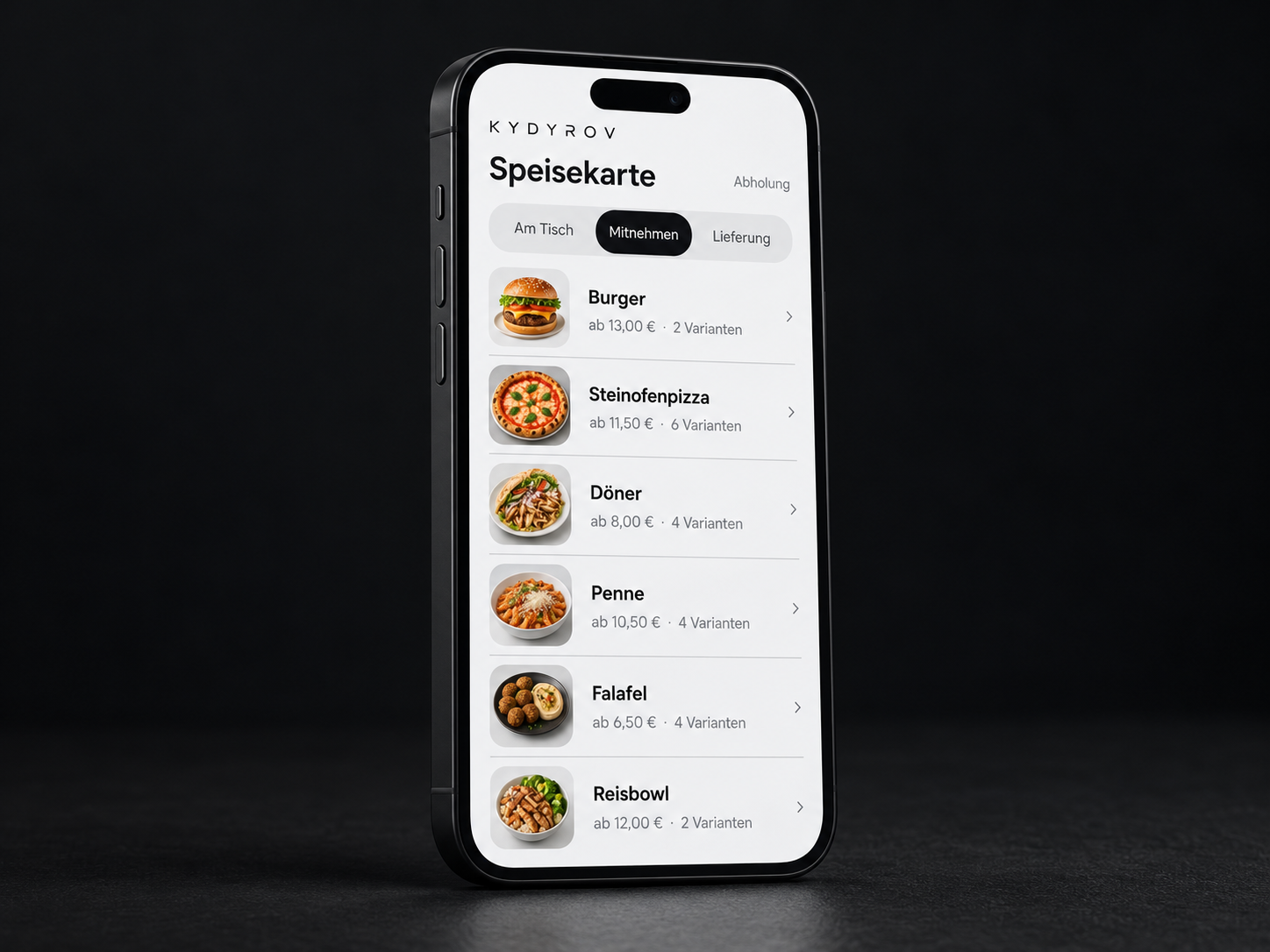
Take an order
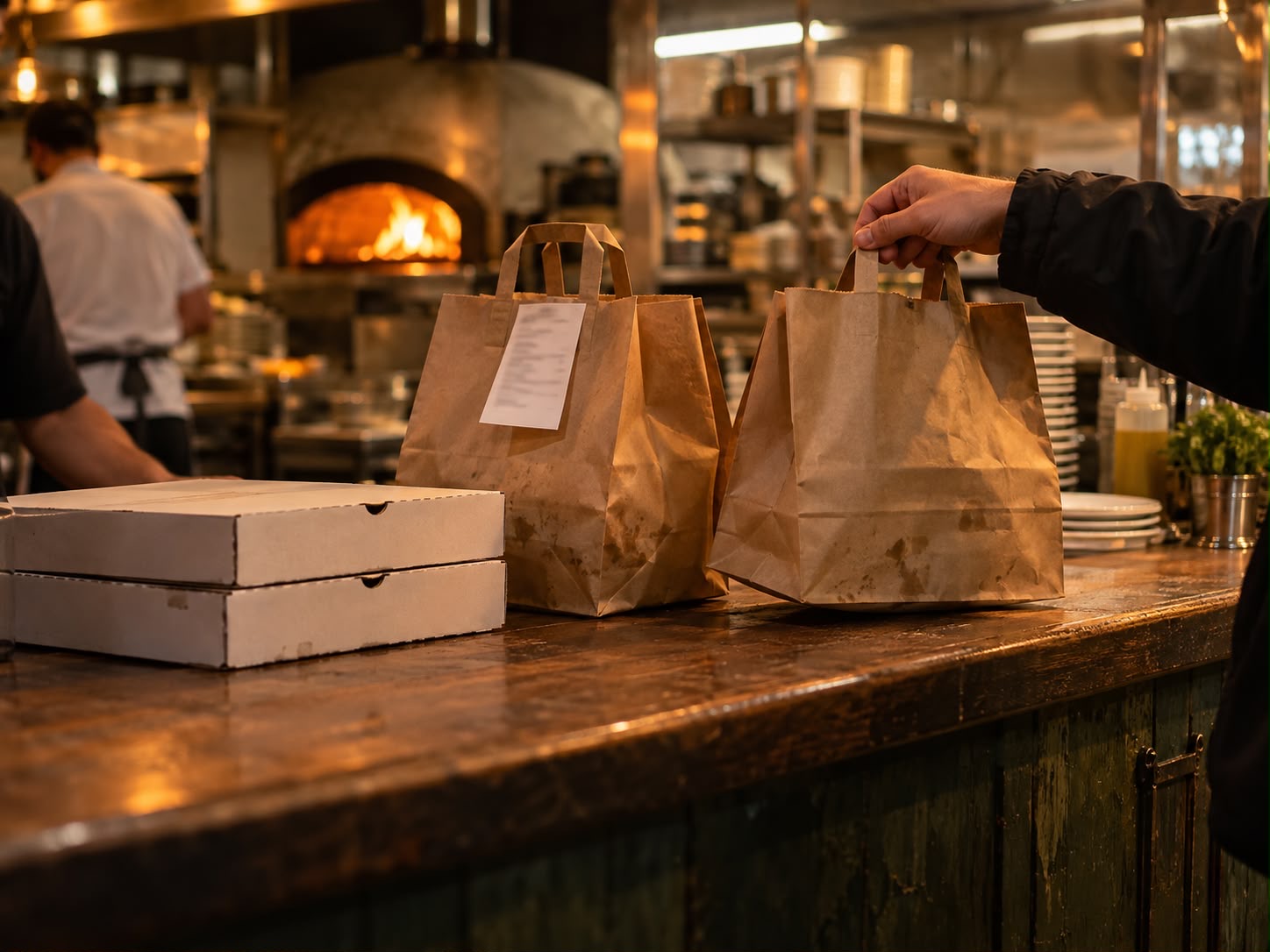
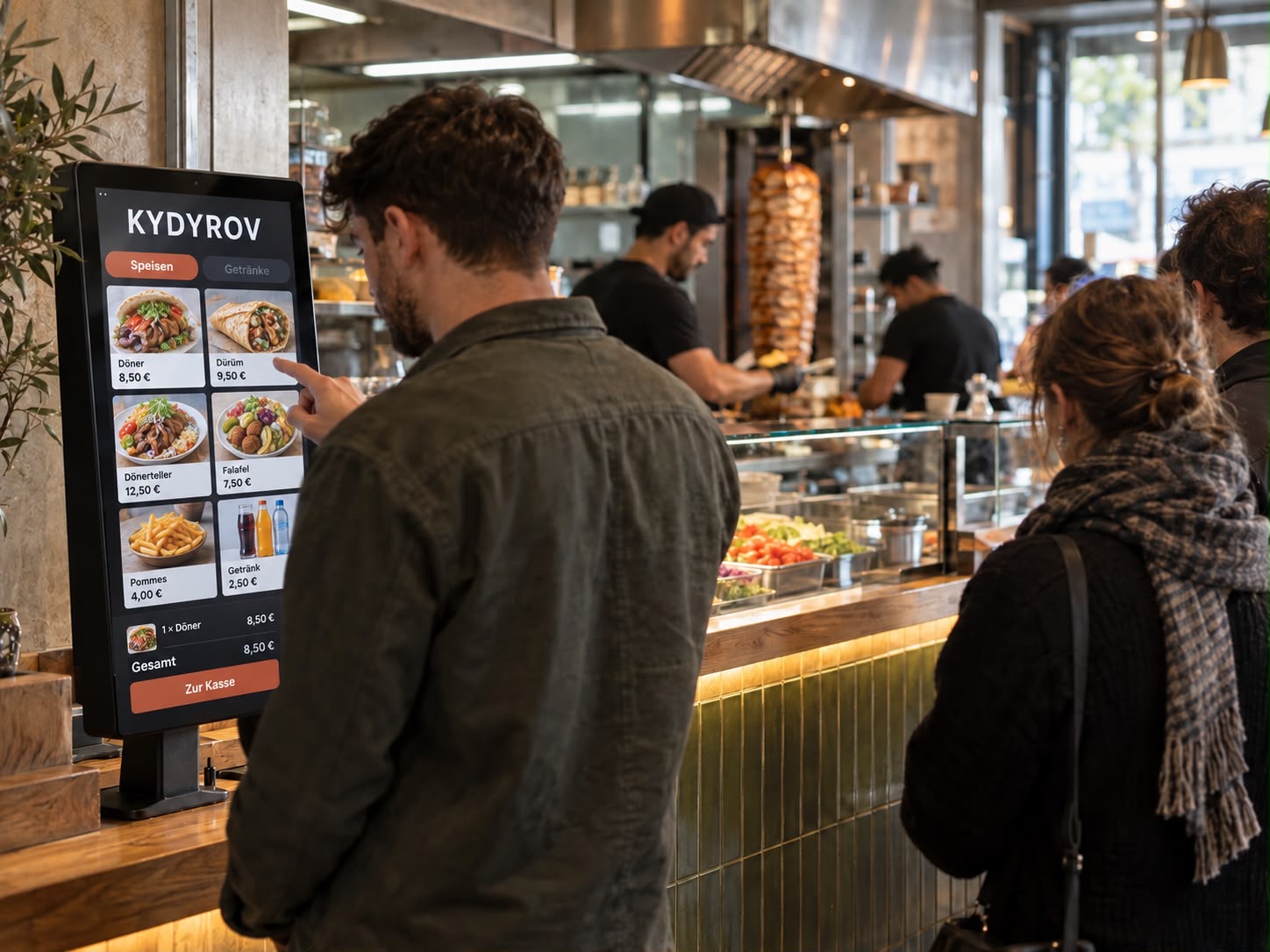
Via QR code at the table, for takeaway or delivery, or at a kiosk.
- 02#101 · Table 08New1×Burgerno tomatoPaid (example)
Manage centrally
Dish, ingredients, note, table and payment status stay together.
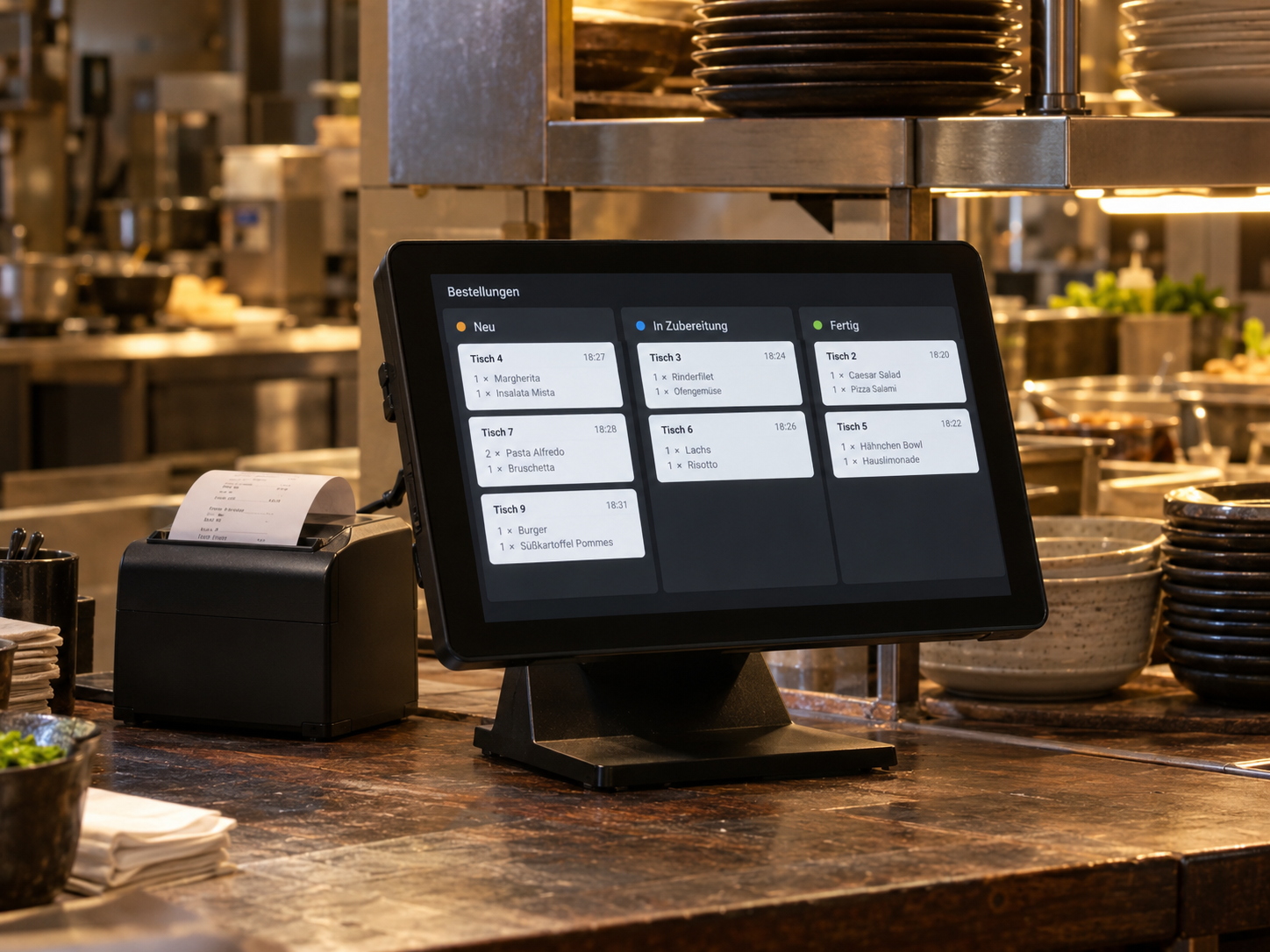
- 03NewPreparationReady
Prepare in the kitchen
The kitchen updates the status, and the guest sees it on their phone.
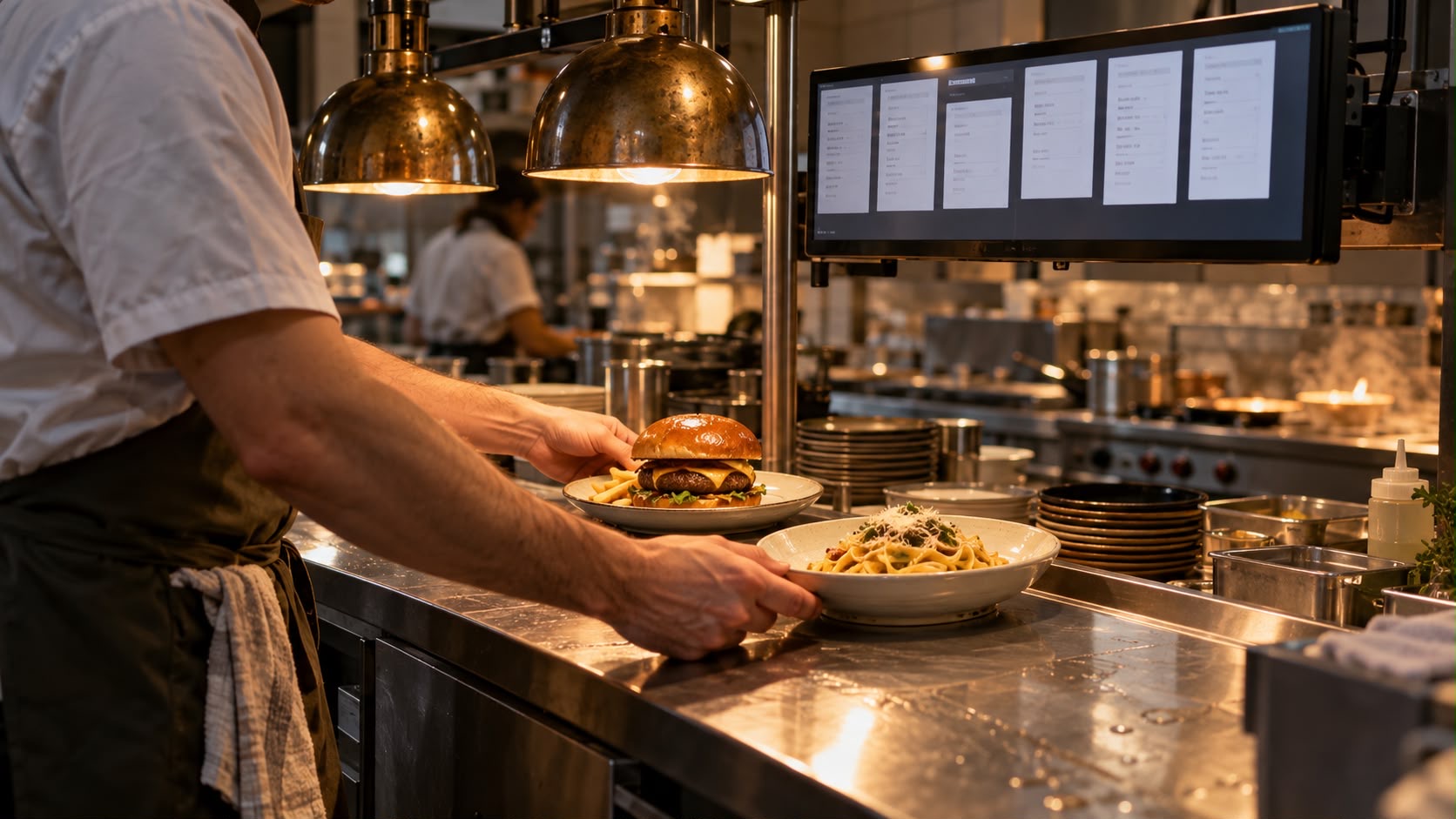
- 04Table 08Ready for collectionDelivered ✓
Hand over or serve
Service receives a notification, collects the order and marks it as delivered.
Ready to launch in three steps.
Review workflow and equipment
We check your ordering channels, existing devices and the products you want to start with.
Set up and train
The menu, prices, variations and responsibilities are configured. Your team learns the agreed workflow.
Test and launch
We walk through the process from guest to handover together and agree on support after launch.
Frequently asked questions.
Ordering channels, existing equipment and getting started in your business.
Do I have to introduce all four products at once?
No. The ordering system, online ordering, kitchen display and self-order kiosk are listed separately in the proposal. What matters is which workflow you want to improve first. We define which components are needed and which can be added later.
Can I keep using my existing till?
We assess this based on the manufacturer, model, software version and available interfaces. An existing till cannot automatically connect to every ordering system. Before making a commitment, we clarify how items, orders and payment statuses will pass between the systems involved.
What information do you need for setup and a proposal?
Your menu with prices and variations, existing devices and a description of your ordering channels are useful. We also need your table layout, collection or delivery arrangements and preferred payment methods. We use this to agree on setup, training, trial operation and the timeline.
Does the demo trigger real orders or payments?
No. The demo shows the workflow using sample items and a simulated payment status. It does not place an order with a restaurant or charge a payment method. For live use, payment providers, order acceptance and transfer to kitchen and service are set up and tested separately.
What happens if the internet or a device fails?
Before launch, we agree on a fallback process with you, such as orders taken by service and a clear handover to the kitchen. Which features remain available during an outage depends on the chosen setup. The website demo does not demonstrate offline operation.
Which costs and services are included in the proposal?
The agreed products and setup are listed as clear line items. Ongoing operation, external providers, support and any hardware are discussed separately. This also covers responsibility for data, access and changes, and the agreed contact channel after launch.
Can't find your question?
Tell us about your situation. We'll work through your questions with you.